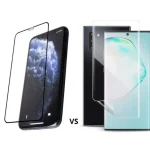
Mobile Screen Protector Without Bubbles: A Game-Changer for Retailers and Users
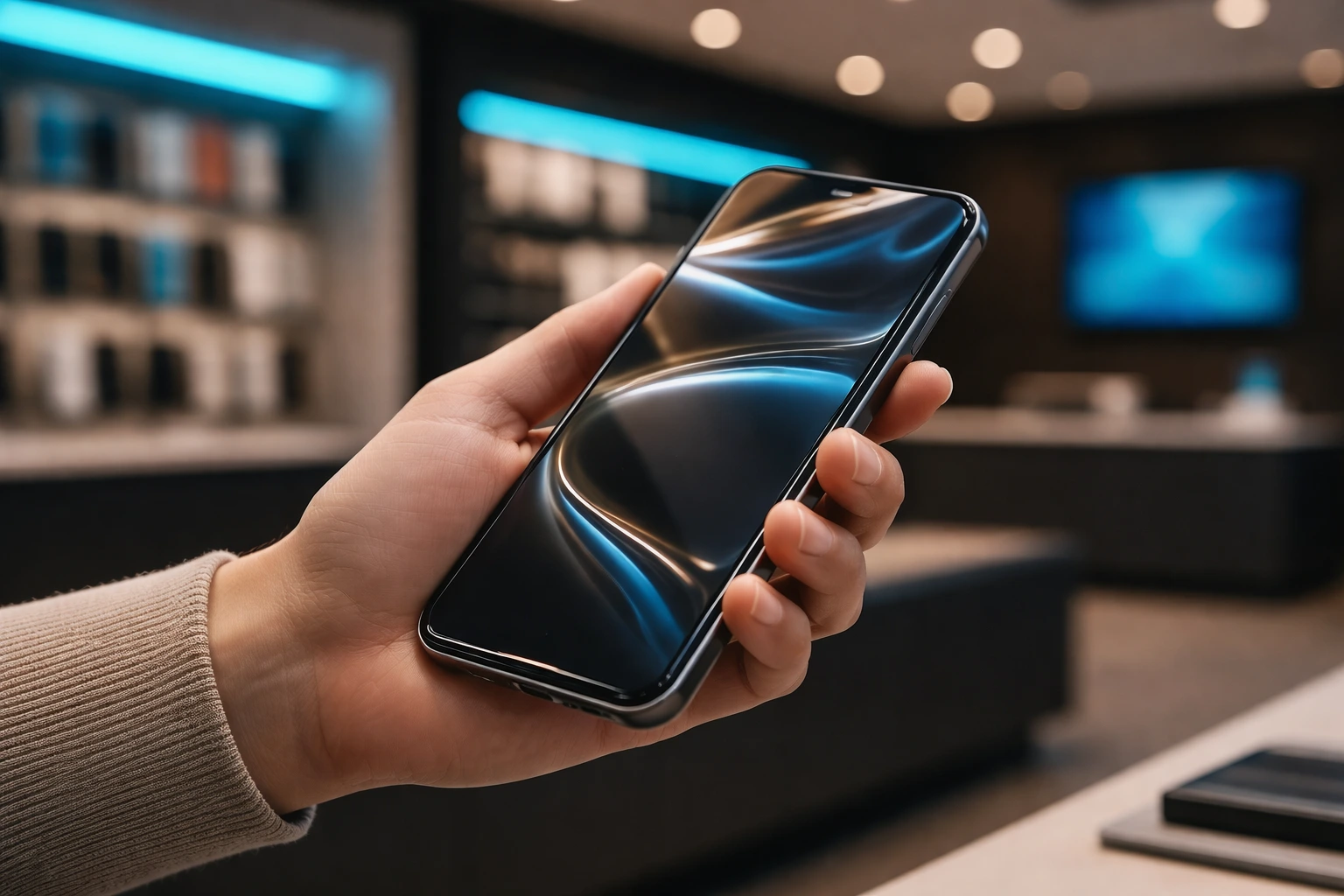
One of the most common frustrations for smartphone users and mobile accessory retailers is applying a screen protector without trapping air bubbles. These imperfections not only look bad but also affect the device’s usability and customer satisfaction. That’s why knowing how to apply a mobile screen protector without bubbles is critical for tech stores, kiosks, and resellers who want to deliver a professional-grade experience.
In this guide, we’ll share the latest industry practices, tools, and tips used by top retailers worldwide, including exclusive techniques from Devia Global. Whether you’re a seasoned technician or a store just starting to offer screen protection services, mastering bubble-free installation will set you apart from the competition.
Why Bubble-Free Application Matters
Consumers today expect perfection. A flawless screen protector means:
- Enhanced Touch Sensitivity
- Clearer Display Quality
- Longer Durability
- Better Aesthetics
- Increased Customer Trust
No one wants to pay for a screen protector that looks poorly applied. Offering an application that is completely free of bubbles increases your store’s perceived value and leads to stronger word-of-mouth referrals.
Understanding the Enemy: What Causes Bubbles?
To master bubble-free application, we must understand what causes them:
- Dust and Debris: Small particles trapped between the film and screen.
- Incorrect Alignment: Rushing the process or poor handling.
- Dry Application Errors: Lack of proper technique or wrong angle.
- Film Type: Low-quality materials are more prone to bubbles.
- Environmental Factors: Humidity and static electricity play a role.
With this knowledge, we can implement strategies to eliminate the root causes.
Preparation is Everything
Before applying a mobile screen protector without bubbles, the setup is crucial:
- Clean Surface: Always use microfiber cloth and dust-removal stickers.
- Controlled Environment: Apply in a dust-free zone with good lighting.
- Antistatic Measures: Reduce static with a spray or antistatic mat.
- Customer Device Inspection: Check for pre-existing cracks or dust under the screen.
Tip: Use compressed air to eliminate tiny dust particles right before application.
Choosing the Right Film
Not all protectors are created equal. For the best application results:
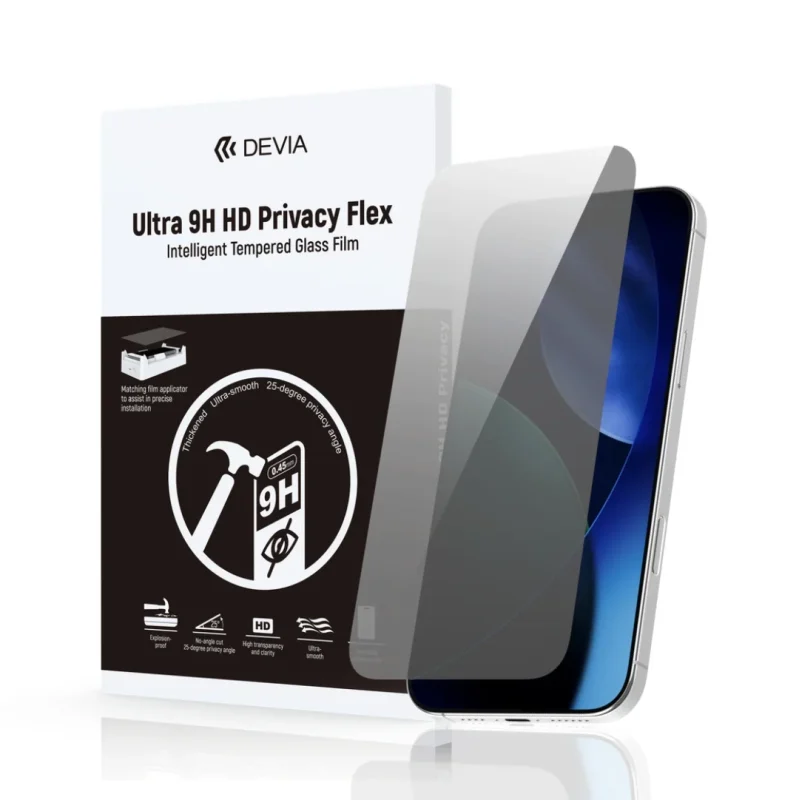
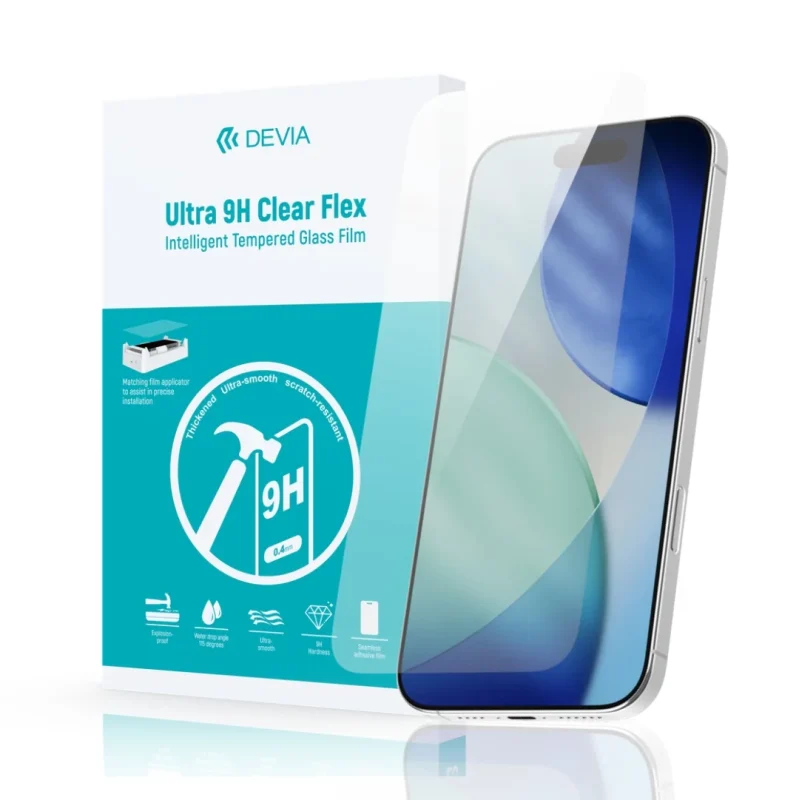
- Use Devia’s 9H Film or Ultra Film 9H series.
- Prioritize self-healing and bubble-release technology.
- Avoid cheap glass that lacks flexibility.
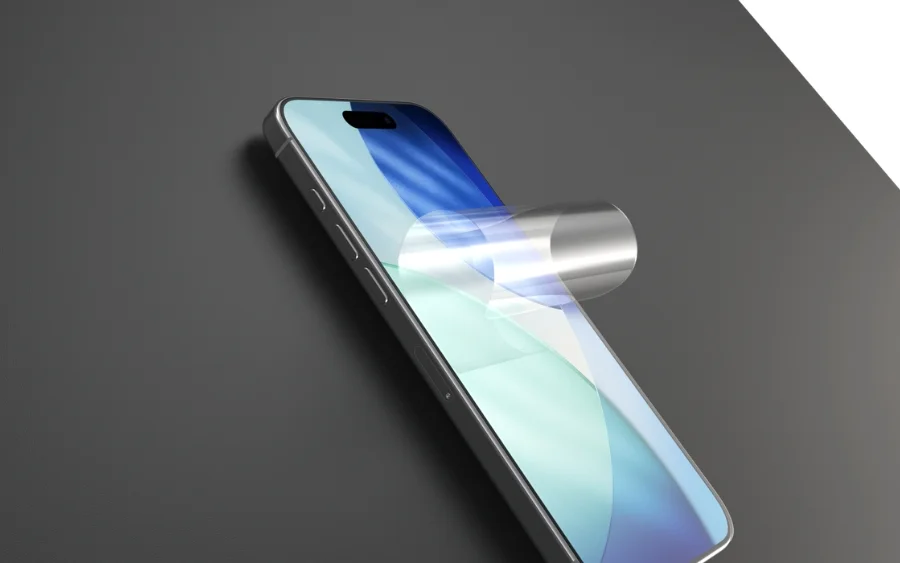
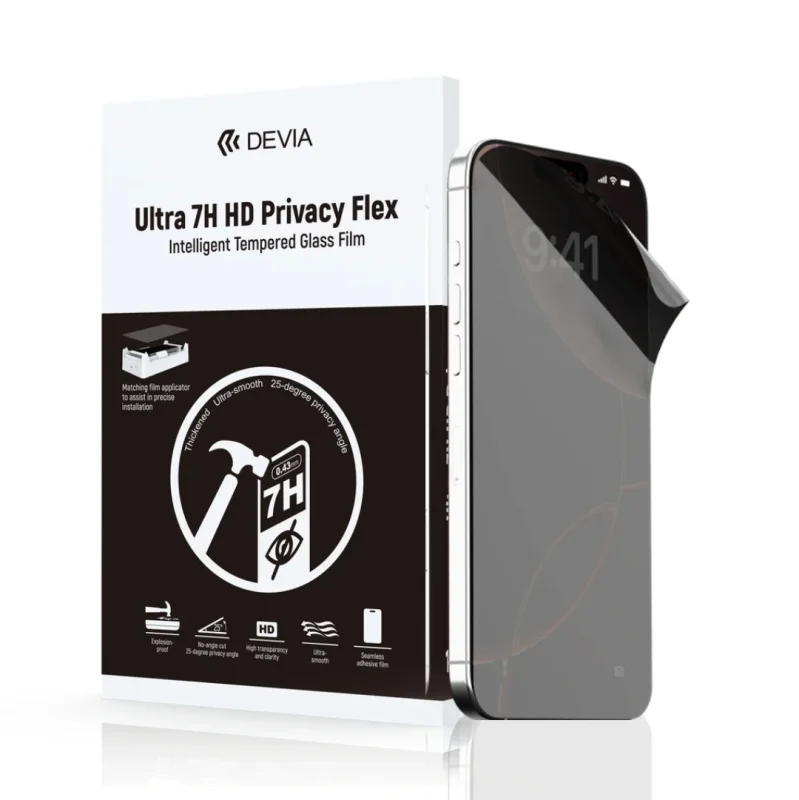
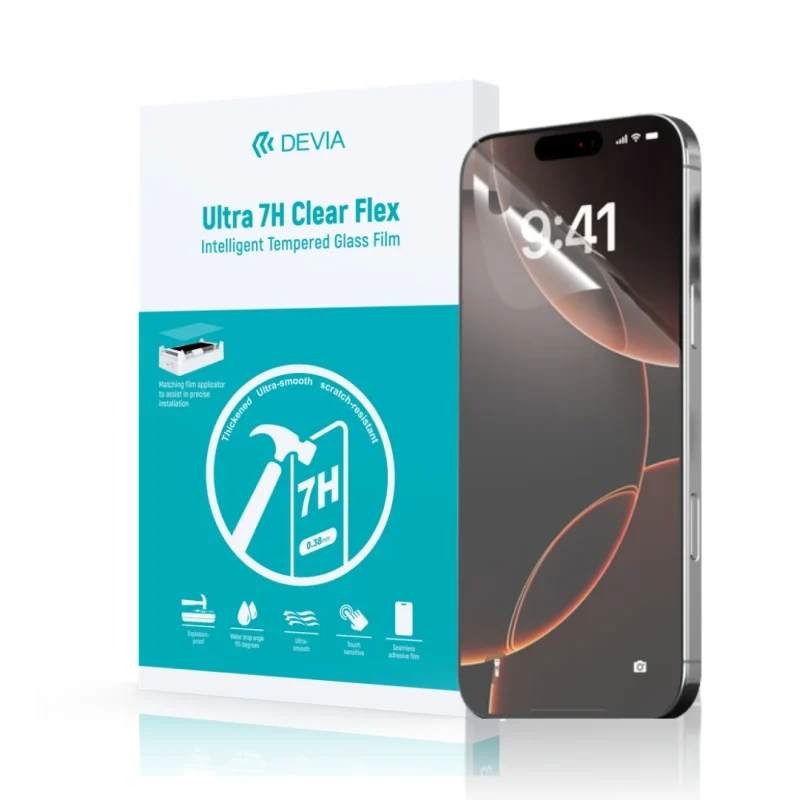
Devia’s mobile screen protectors are engineered for easy, bubble-free installations and better long-term performance.
Manual Application: Step-by-Step Guide
If you’re applying the film manually, here’s a proven method to avoid bubbles:
- Clean the Screen Thoroughly: Use alcohol wipe, microfiber cloth, and dust sticker.
- Align Carefully: Without removing the full liner, place the protector to match the edges.
- Peel and Stick Slowly: Start from one edge, removing the backing gradually.
- Use a Card or Squeegee: Press out bubbles as you apply.
- Recheck for Dust: If a bubble remains, it may be a trapped dust particle. Gently lift and remove it with a sticker.
Advanced Technique: Plotter-Assisted Application
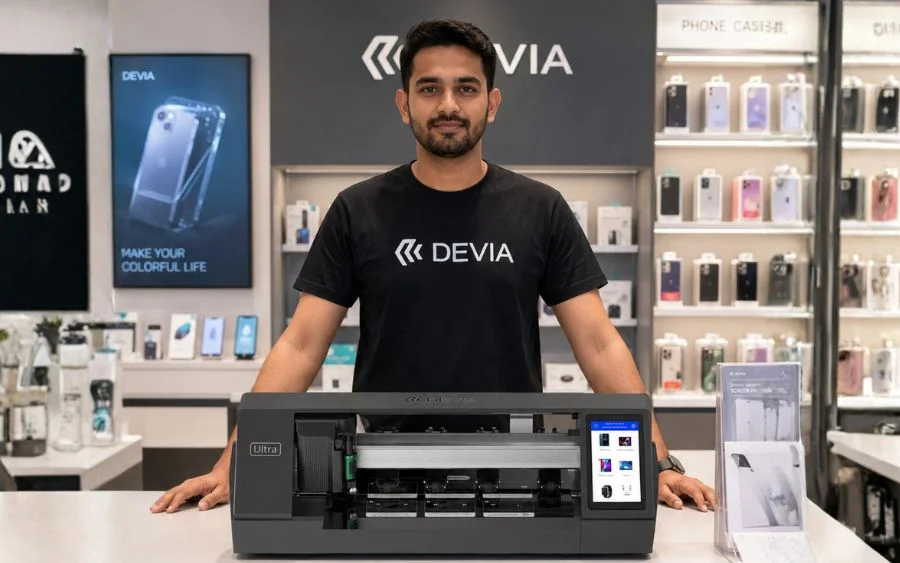
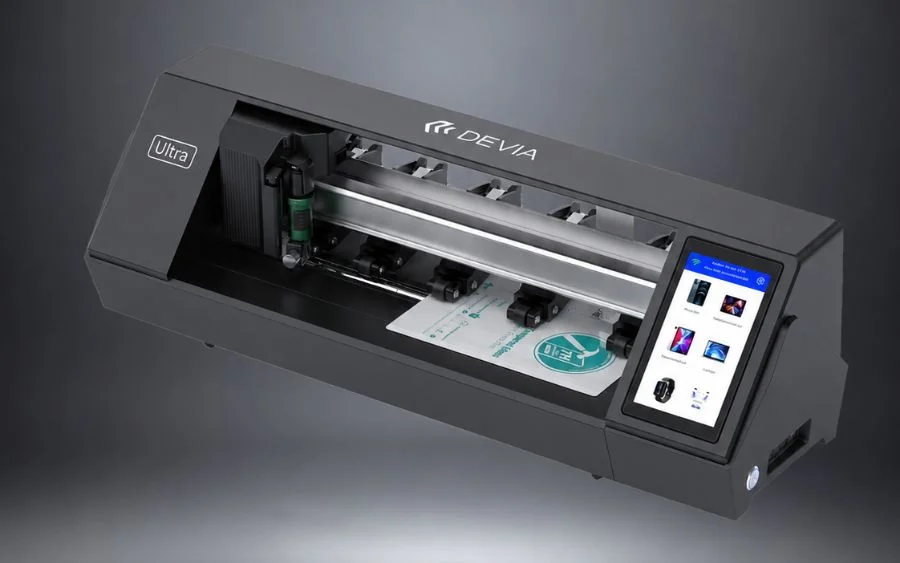
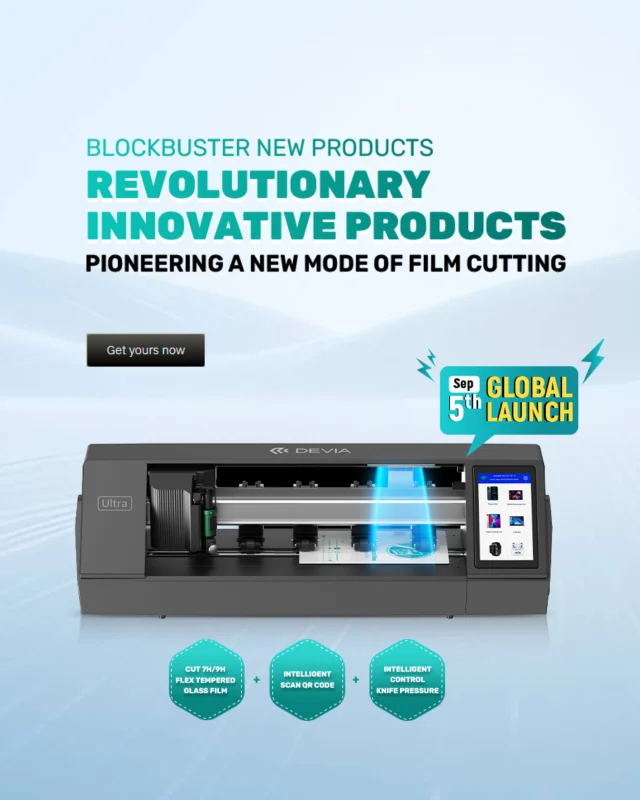
For stores using Devia’s Auto Cutting Plotter Ultra:
- Perfect Cut Fit: Plotter ensures accurate size for each phone model.
- On-Demand Customization: Reduce inventory and cut film per request.
- Faster Installation: Minimal manual handling = fewer mistakes.
With this system, applying a mobile screen protector without bubbles becomes faster, easier, and scalable for businesses.
Aftercare for Long-Term Satisfaction
- Tell customers not to press too hard on the screen for the first few hours.
- Explain that micro-bubbles may disappear within 24-48 hours.
- Recommend they avoid pockets with sand, keys, or coins to prolong protector life.
Common Mistakes to Avoid
- Skipping Dust Removal
- Applying in a Humid Room
- Touching the Adhesive Side
- Not Using a Guide Tool or Alignment Frame
- Reapplying Too Often
Training your team to avoid these mistakes helps ensure consistency.
Retail Benefits of Offering Bubble-Free Application
- Boosted Reputation
- Increased Sales
- Customer Loyalty
- Differentiation from Competitors
When your store consistently delivers clean, professional installations, you attract more walk-ins and referrals.
Best Products for Flawless Results
- Devia 9H Film: Premium hardness and clarity.
- Devia Ultra Film 9H: Ideal for plotter use and advanced protection.
- Application Tools: Squeegees, dust stickers, and microfiber kits.
Marketing Tips to Promote Your Service
- Record and post time-lapse videos of installations.
- Showcase the “before vs after” results.
- Offer a “bubble-free guarantee.”
- Bundle screen protector with cases or phone cleaning service.
- Train staff to confidently explain product benefits.
Conclusion: Bubble-Free = Business Growth
In 2025, applying a mobile screen protector without bubbles isn’t just a technical skill—it’s a business strategy. When done right, this simple service becomes a profit booster and a reputation builder. With the right products, training, and tools from Devia Global, your store can deliver an experience customers will remember and recommend.
Seja um distribuidor: https://mydevia.com/mobile-accessories-distributor/