

Computer Monitor Privacy Filter: Complete Buying Guide
Answer Capsule: A Computer Monitor Privacy Filter limits how much of your screen can be seen from side angles, helping businesses reduce visual exposure of confidential information. For B2B buyers, the best filter combines the correct dimensions, a narrow viewing angle, acceptable screen clarity, practical installation, durability and compatibility with the monitors used across the organization.
Visual exposure is easier than many businesses assume. In global visual-hacking experiments conducted by the Ponemon Institute and sponsored by 3M, sensitive information was successfully obtained in 91% of the trials, and in nearly half of the cases information was captured within 15 minutes (Ponemon Institute/3M, 2016). A Computer Monitor Privacy Filter cannot eliminate data-security risk, but it can make casual shoulder surfing and side-angle viewing significantly more difficult.
The financial context makes physical privacy worth considering. IBM reported that the global average cost of a data breach was $4.44 million in its 2025 Cost of a Data Breach Report, while the U.S. average reached a record $10.22 million (IBM, 2025). A privacy screen costs only a fraction of a broader security program, but for purchasing managers it can become a practical layer within a multi-layer information-protection policy.
What is a Computer Monitor Privacy Filter?
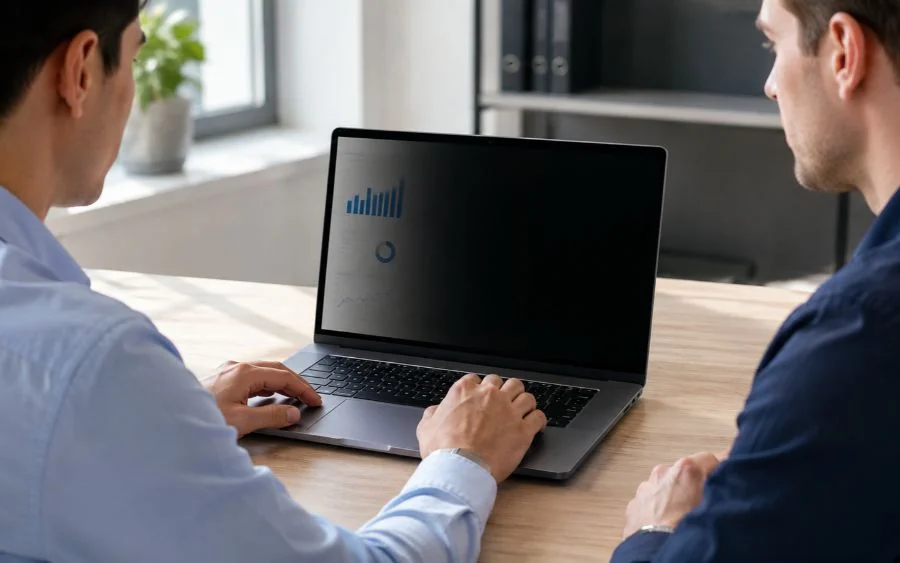
A Computer Monitor Privacy Filter is an optical layer placed over a computer display to restrict the angles from which the content remains clearly visible. Instead of allowing people on either side of the user to read the screen easily, the filter directs the useful image primarily toward the person positioned in front of the monitor.
Many products achieve this through micro-louver technology that works similarly to extremely small vertical blinds. Current 3M monitor privacy products, for example, specify blackout privacy outside a 60-degree viewing angle (3M, 2026). Targus describes several of its current monitor filters as limiting visibility to approximately 30 degrees from either side of the screen center, which represents a similar total viewing zone (Targus, 2026).
This distinction is critical for B2B purchasing. A Computer Monitor Privacy Filter is designed primarily for visual privacy, while a standard clear protector focuses on scratches, fingerprints or surface damage. Anti-glare films may improve reflections without meaningfully restricting side viewing, so product descriptions should be evaluated carefully.
Why should businesses consider a Computer Monitor Privacy Filter?
The simplest reason is that not every information leak requires sophisticated hacking. Someone sitting beside an employee, walking behind a desk or waiting at a customer-service counter may be able to see information that was never intended for them.
The Ponemon Institute’s U.S. visual-hacking experiment found that an undercover tester viewed an average of five pieces of sensitive information during each trial, including corporate financial information and confidential employee and customer data (Ponemon Institute/3M, 2015). In 70% of the attempts, staff did not challenge or report the suspicious observer (Ponemon Institute/3M, 2015).
A Computer Monitor Privacy Filter is therefore particularly relevant in environments where screens face corridors, waiting areas, customers, visitors or nearby employees. It creates a physical barrier to casual visual access without changing the software running on the computer.
- Financial and accounting departments
- Human resources teams
- Healthcare and medical administration
- Customer service counters
- Banks and financial institutions
- Government offices
- Legal departments
- Shared and open-plan offices
- Airport and transportation workstations
- Retail administrative areas
- Remote and hybrid employees
Human behavior remains relevant to security risk. Verizon reported that around 60% of confirmed breaches in its 2025 Data Breach Investigations Report involved a human element (Verizon, 2025). That statistic is broader than visual privacy, but it reinforces why organizations should not build security policies around technology alone.
How does a Computer Monitor Privacy Filter work?
A typical Computer Monitor Privacy Filter uses an optical structure to control the direction in which light from the display reaches the viewer. A user sitting directly in front of the screen sees the content, while someone moving far enough to either side receives much less useful light and sees a darker image.
Current 3M privacy filters advertise effective blackout beyond a 60-degree viewing zone (3M, 2026). Current Targus 4Vu products describe a viewing range of approximately 30 degrees from either side of the center position (Targus, 2026). Buyers should verify whether a supplier expresses the specification as a total viewing angle or as degrees from the center.
This means a Computer Monitor Privacy Filter does not make information invisible from every direction. A person directly behind the authorized user may still see the screen, and a camera positioned within the permitted viewing zone could still capture information.
For this reason, privacy screens should complement other controls such as automatic screen locking, secure authentication, employee awareness, desk positioning and appropriate access permissions. IBM reported a global average data-breach lifecycle of 241 days in 2025, demonstrating how broad and complex information-security management can become (IBM, 2025).
What viewing angle should you choose for a Computer Monitor Privacy Filter?
For most office applications, a viewing zone around 60 degrees total is common. This generally means the intended user receives a clear image while sitting close to the center and side viewers outside roughly 30 degrees in either direction experience substantial darkening.
| Viewing configuration | Typical use | Privacy level | Collaboration |
|---|---|---|---|
| Wide viewing angle | Shared displays and meeting rooms | Low | High |
| Approx. 60° total privacy zone | Standard office workstation | High from side views | Moderate |
| Very narrow privacy configuration | High-sensitivity individual work | Higher | Low |
A Computer Monitor Privacy Filter should protect information without making normal work uncomfortable. Targus currently markets monitor filters that restrict viewing to 30 degrees from either side and specifically notes that this configuration can still work with multiple-monitor workstations (Targus, 2026).
For purchasing managers, the recommendation is straightforward: do not select a filter based only on the phrase “anti-spy.” Ask for the actual viewing-angle specification and test how the product performs at normal desk distance.
How do you select the correct Computer Monitor Privacy Filter size?
Incorrect sizing is one of the easiest purchasing mistakes to avoid. A monitor marketed as 24 inches, for example, may still differ in usable display dimensions, bezel design and aspect ratio from another 24-inch model.
You should record four measurements before ordering a Computer Monitor Privacy Filter:
- Visible screen width
- Visible screen height
- Diagonal display measurement
- Aspect ratio
Common desktop monitor formats include 16:9, 16:10 and older 4:3 configurations. Current commercial privacy-filter catalogs demonstrate how precise this can become: 3M sells separate filters for 18.5-inch 16:9 monitors and 21.3-inch 4:3 monitors, rather than treating diagonal size as the only selection criterion (3M, 2026).
Measure the visible area, not the plastic frame
Measure only the illuminated display area unless the supplier specifically requests full front-panel dimensions. Edge-to-edge monitors may require a filter designed to cover the complete glass surface, while monitors with raised bezels can use slide tabs or filters fitted inside the frame.
3M currently offers edge-to-edge products such as a 21.5-inch 16:9 magnetic-attachment privacy filter designed specifically for full-screen monitors (3M, 2026). This is a useful example of why a corporate buyer should inventory monitor models before ordering hundreds of identical filters.
Which type of Computer Monitor Privacy Filter is best for B2B use?
The best format depends on how employees use their screens. There is no single Computer Monitor Privacy Filter attachment method that is automatically correct for every company.
| Filter type | Main advantage | Main limitation | Best use |
|---|---|---|---|
| Removable tab-mounted | Easy to remove and reinstall | Tabs remain on monitor | General offices |
| Adhesive | Clean, stable installation | Less convenient to remove frequently | Permanent workstations |
| Magnetic | Fast privacy-to-sharing transition | Requires compatible design | Collaborative environments |
| Slide-on | Reusable and easy to replace | Depends on bezel configuration | Corporate desktop monitors |
3M’s current COMPLY magnetic system, for example, is designed to let users quickly attach or remove a filter when switching between private work and screen sharing (3M, 2026). Targus offers products using reusable adhesive strips or tab guides (Targus, 2026).
If employees collaborate frequently, a removable Computer Monitor Privacy Filter may create a better user experience. If screens consistently display confidential information and rarely need to be shared, a more permanent installation may be appropriate.
Does a Computer Monitor Privacy Filter affect screen brightness and image quality?
Every optical privacy layer involves some compromise. By controlling light direction, a Computer Monitor Privacy Filter may reduce perceived brightness compared with a completely uncovered display.
Higher-quality products attempt to preserve front-view clarity while reducing useful side visibility. Targus states that selected 4Vu products are more than 12% brighter than certain competing solutions, illustrating that light transmission and perceived clarity can vary between filters (Targus, 2026).
This specification matters especially for designers, engineers, photographers and employees working with detailed graphics. A privacy filter that performs well for spreadsheets may not be ideal for color-critical design tasks.
For bulk purchasing, request evaluation samples. Install the Computer Monitor Privacy Filter on the exact monitor models used by your team and evaluate text clarity, brightness, color perception, glare and side-angle privacy before approving the purchase.
Should you choose a matte or glossy Computer Monitor Privacy Filter?
Many business privacy filters are reversible, offering a matte surface on one side and a glossy surface on the other. Each serves a different working environment.
- Matte: better suited to reducing reflections and visible fingerprints.
- Glossy: may provide a clearer or more vivid direct view in controlled lighting.
- Reversible: gives employees flexibility based on lighting and personal preference.
Current 3M monitor privacy filters include reversible glossy and matte options, with the matte side designed to reduce glare and fingerprints (3M, 2026). Kensington products sold through Dell also offer matte and glossy surfaces and specify viewing angles of approximately plus or minus 30 degrees (Dell/Kensington, 2026).
For offices with strong overhead lights or windows, the matte side of a Computer Monitor Privacy Filter can be particularly useful. For controlled environments where image clarity is the priority, testing the glossy configuration may be worthwhile.
What other features should B2B buyers compare?
Privacy angle is only one purchasing criterion. When buying a Computer Monitor Privacy Filter for multiple employees, small differences in durability and installation can create significant operational costs across hundreds of workstations.
Anti-glare properties
Anti-glare surfaces can reduce reflections from windows and artificial lighting. 3M and Targus both currently include glare-reduction features in selected monitor privacy filters (3M, 2026; Targus, 2026).
Blue-light reduction
Some privacy products also filter portions of blue light. Kensington privacy filters listed by Dell advertise blue-light reduction of up to 30% on selected models (Dell/Kensington, 2026).
Blue-light claims should not be confused with privacy performance. A Computer Monitor Privacy Filter should first be evaluated according to visual-security performance, compatibility and display quality.
Scratch protection
The filter itself can also create a physical layer between the monitor surface and everyday contact. Current 3M products describe additional protection against scratches and dust and are engineered to withstand hundreds of cleanings (3M, 2026).
Touchscreen compatibility
If your organization uses touchscreen monitors, confirm that the filter will not interfere with touch sensitivity. 3M currently states that several of its privacy filters are compatible with most touchscreen displays (3M, 2026).
Cleaning and durability
A filter deployed in a shared workplace may be cleaned frequently. Purchasing managers should check cleaning instructions, scratch resistance, attachment durability and replacement availability before selecting a Computer Monitor Privacy Filter.
How does a Computer Monitor Privacy Filter compare with other screen solutions?
| Solution | Visual privacy | Scratch protection | Glare reduction | Main purpose |
|---|---|---|---|---|
| Privacy filter | High from specified side angles | Usually yes | Often available | Reduce side-angle visibility |
| Clear protective film | Low | Yes | Depends on product | Physical screen protection |
| Anti-glare film | Low unless privacy technology is included | Usually | High | Reduce reflections |
| Blue-light filter | Low unless privacy technology is included | Depends on product | Depends on product | Alter selected light transmission |
This comparison is particularly important when importing or distributing accessories. A standard screen protector should not be marketed as a Computer Monitor Privacy Filter unless it genuinely restricts side-angle viewing.
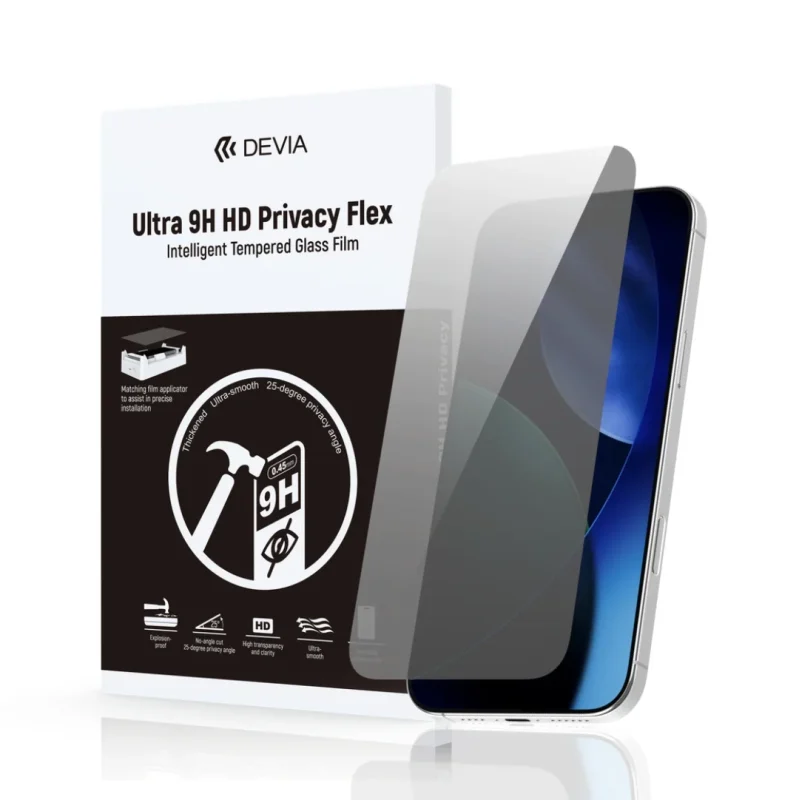
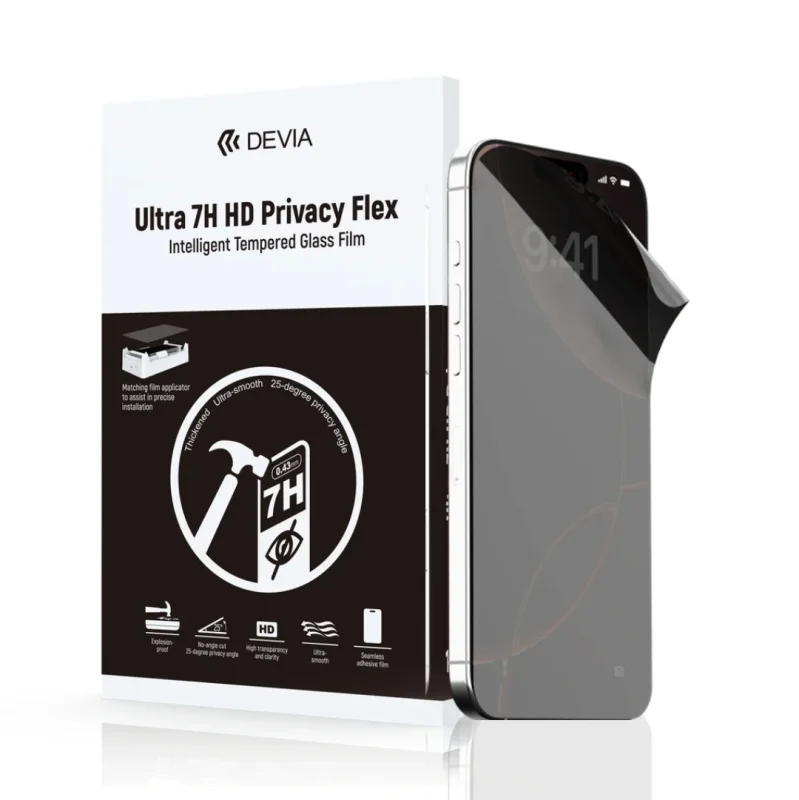
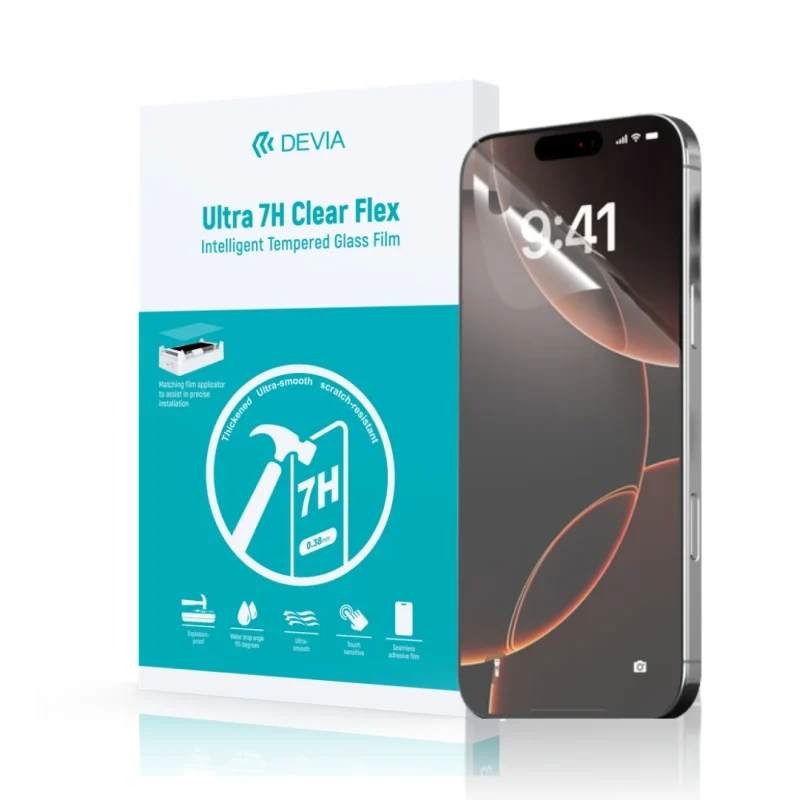
Devia Global, for example, currently lists an Intelligent Screen Protective Film for Laptop manufactured from PET at 290 × 420 mm, with 0.25 mm thickness and stated light transmission above 91% (Devia Global, 2026). That product is positioned as laptop screen protection, so buyers should distinguish it from products specifically engineered for privacy before defining the intended application.
The same principle applies to mobile devices. If you manage a broader protection category, read why choosing the right protection for a specific device matters and our guide about situations where a screen can still crack even when a protector is installed.
Where should companies deploy a Computer Monitor Privacy Filter first?
Companies do not necessarily need to equip every screen at the same time. A risk-based deployment can deliver greater value by starting with workstations where sensitive information is frequently displayed and where unauthorized viewing is realistically possible.
IBM reported that healthcare remained the most expensive industry for breaches in its 2025 study, with an average breach cost of $7.42 million (IBM, 2025). While a Computer Monitor Privacy Filter does not prevent cyberattacks, environments dealing with sensitive personal or medical information have a strong reason to assess visual exposure as part of broader information protection.
Start with:
- HR and payroll workstations
- Finance and accounting teams
- Executive offices
- Reception areas displaying customer data
- Legal teams
- Healthcare administration
- Banking and financial services
- Customer support teams
- Desks facing public corridors
- Shared offices with external visitors
After this first deployment, assess employee feedback, monitor compatibility and replacement rates before expanding the Computer Monitor Privacy Filter program across additional departments.
What should importers and distributors ask suppliers before placing an order?
Importers have additional considerations because a product that performs well technically can still create commercial problems if sizing, packaging or specifications are unclear.
Before ordering a Computer Monitor Privacy Filter, ask:
- What exact monitor sizes and aspect ratios are available?
- Is the stated viewing angle total or measured from the center?
- What is the light-transmission specification?
- Is the surface matte, glossy or reversible?
- What attachment system is included?
- Can the filter be removed and reused?
- Is it compatible with frameless monitors?
- Does it support touchscreen displays?
- What cleaning method is recommended?
- What certifications or compliance documentation is available?
- What is the MOQ?
- What replacement or warranty policy applies?
- Can samples be tested before a bulk order?
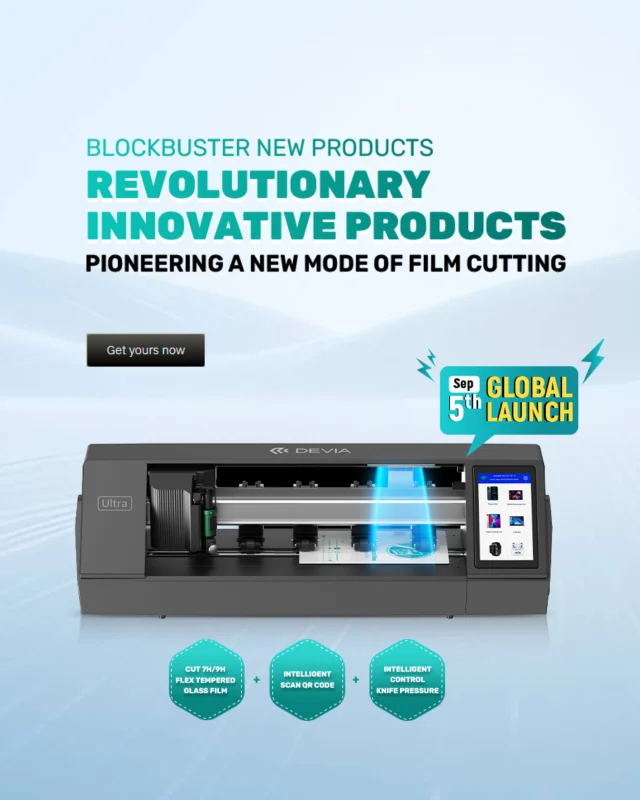
Devia Global’s corporate information states that the brand is present with products and services in more than 150 countries and regions (Devia Global, 2026). For distributors and importers, this international B2B structure is relevant when evaluating broader screen-protection, cutting-plotter and mobile-accessory opportunities alongside a Computer Monitor Privacy Filter category.
“For a B2B buyer, privacy performance is only the first test. The right screen solution must also fit the device correctly, preserve usability, withstand daily use and make operational sense when deployed across dozens or thousands of screens.”
Devia Global Editorial Team, 2026
How should purchasing managers test a Computer Monitor Privacy Filter?
Specifications are useful, but an on-site test provides better information before a large purchase. A practical B2B evaluation can be completed using a representative group of monitors and employees.
- Confirm fit: make sure the filter covers the active display correctly.
- Test front visibility: check text, spreadsheets, dashboards and normal applications.
- Move to the side: verify when confidential information becomes unreadable.
- Check brightness: compare the monitor with and without the filter.
- Evaluate glare: test the workstation under its normal lighting.
- Test removal: if collaboration is frequent, verify how quickly users can remove and reinstall it.
- Clean the surface: confirm that normal maintenance does not damage the filter.
- Collect user feedback: ask employees about comfort after several working days.
The 2015 Ponemon/3M experiment found that 88% of visual-hacking attempts in the U.S. were successful and 45% were completed in less than 15 minutes (Ponemon Institute/3M, 2015). Testing a Computer Monitor Privacy Filter under realistic office conditions therefore makes more sense than choosing one only from a product image.
Can a Computer Monitor Privacy Filter replace cybersecurity controls?
No. A Computer Monitor Privacy Filter solves one narrow problem: information being viewed from unintended angles. It does not stop malware, phishing, credential theft, remote access, data exfiltration or someone photographing the screen from directly behind the authorized user.
Verizon reported that around 60% of confirmed breaches in its 2025 DBIR involved a human element (Verizon, 2025). Organizations therefore need layered controls that address both technical and human risks.
- Strong authentication
- Automatic screen locking
- Role-based access
- Security awareness training
- Secure workstation positioning
- Encryption
- Endpoint protection
- Visitor-access policies
- Visual privacy when appropriate
The correct way to evaluate a Computer Monitor Privacy Filter is as one physical privacy layer within that larger system.
What is the practical B2B buying recommendation?
Begin with risk, not quantity. Identify which employees display sensitive information, map the monitor models they use, measure the actual screens and determine how often those users collaborate with other people.
Then shortlist a Computer Monitor Privacy Filter based on five factors: fit, viewing angle, clarity, attachment system and durability. Request samples before committing to a large order and test them in the actual working environment.
IBM’s 2025 report placed the global average data-breach cost at $4.44 million, while the Ponemon/3M visual-hacking research demonstrated successful visual access in 91% of global trials (IBM, 2025; Ponemon Institute/3M, 2016). Those figures refer to different types of risk and should not be directly equated, but together they reinforce the value of examining information protection from more than one angle.
For importers and distributors, evaluate the commercial side as carefully as the optical specification. A successful Computer Monitor Privacy Filter line needs understandable sizing, clear packaging, consistent quality, multiple screen formats and reliable supplier support.
FAQ about Computer Monitor Privacy Filter products
What does a Computer Monitor Privacy Filter actually do?
A Computer Monitor Privacy Filter narrows the useful viewing angle of a display so the person directly in front can read the screen while people viewing from the side see a darkened or obscured image. It helps reduce visual exposure of confidential information in offices, reception areas, financial departments, healthcare environments and public workspaces. It should be treated as one layer of physical and visual security rather than a replacement for passwords, access controls, encryption or cybersecurity policies.
What viewing angle should a Computer Monitor Privacy Filter have?
Many commercial Computer Monitor Privacy Filter products use a viewing zone of approximately 60 degrees in total, or about 30 degrees to either side of the center position. This creates a practical balance between privacy and usability for one person sitting directly in front of the monitor. Buyers should verify how each manufacturer defines its viewing angle because specifications may refer either to the total viewing cone or the angle measured from the center of the screen.
How do I choose the correct size Computer Monitor Privacy Filter?
Measure the visible display area rather than relying only on the advertised diagonal monitor size. Confirm the width, height, diagonal measurement and aspect ratio, such as 16:9, 16:10 or 4:3. You should also check whether the monitor has a raised bezel or an edge-to-edge display because this affects attachment. For corporate purchasing, create a device inventory by monitor model before ordering large quantities to reduce compatibility problems and unnecessary returns.
Does a Computer Monitor Privacy Filter make the screen darker?
A Computer Monitor Privacy Filter can reduce some perceived brightness because its optical structure controls which directions light can travel. Higher-quality filters are designed to preserve useful front-view clarity while darkening side views. Brightness loss varies by material, filter technology, monitor brightness and surface finish. Purchasing managers should request light-transmission specifications when available and test samples on the actual monitors used by employees before approving a large corporate deployment.
Are magnetic or removable privacy filters better than adhesive filters?
Neither attachment system is universally better. Magnetic and slide-on filters are useful when employees frequently switch between private work and collaborative screen sharing because they can be removed quickly. Adhesive options can provide a cleaner permanent installation and are less likely to be misplaced. The right choice depends on monitor construction, workplace behavior, procurement cost, cleaning requirements and how often users need to share their screen with colleagues or customers.
Should businesses use privacy filters on every monitor?
Not every workstation requires the same level of visual privacy. A risk-based deployment is usually more efficient. Prioritize screens displaying financial records, customer information, employee data, medical information, passwords, contracts, strategic documents or other confidential material. Reception desks, shared offices, open-plan areas, customer-facing counters and workstations close to corridors can also benefit. Businesses should combine privacy filters with appropriate workstation positioning, access controls, employee awareness and information-security procedures.
Read also
- Best phone case brands for the new iPhone 18
- Why choosing the right phone case for your device matters
- Why a screen can crack even with a screen protector
Build a stronger screen-protection portfolio with Devia Global
A Computer Monitor Privacy Filter can become part of a broader B2B screen-protection category that includes privacy solutions, protective films, laptop protection and on-demand cutting technology. The key is choosing products according to real device compatibility and customer use rather than treating every screen solution as interchangeable.
Devia Global works with importers, distributors, wholesalers, retailers and technology businesses in international markets. Explore the Devia Global screen protection and mobile accessories ecosystem to discover solutions designed for businesses looking to expand their technology-accessory portfolio.
“`
About Alexandre di Mello
View all posts by Alexandre di MelloRelated posts
Computer Monitor Privacy Filter
Best phone case brands for the new iPhone 18
Why choosing the right phone case for this phone matters
Screen cracked with screen protector

Upholding a commitment to quality and fulfilling its mission, Comma cultivates the real economy with craftsmanship.
Setting Sail Anew in 2026 | DEVIA Enters into a Deep Strategic Partnership with Huawei to Jointly Build a High-Quality
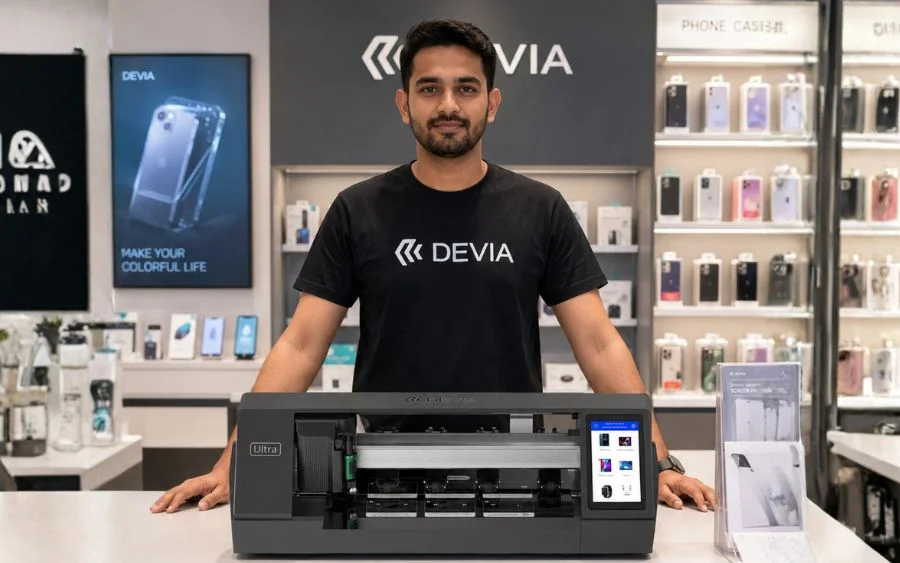
Top 5 Reasons Why Distributors Are Switching to Automated Film Cutting
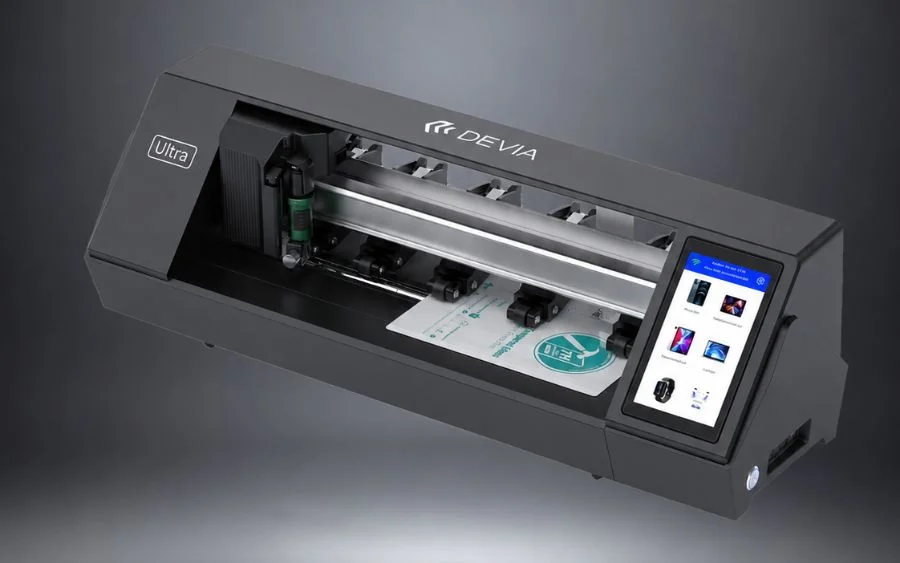
Devia Plotter Ultra Review: Features, Speed, and Business Value
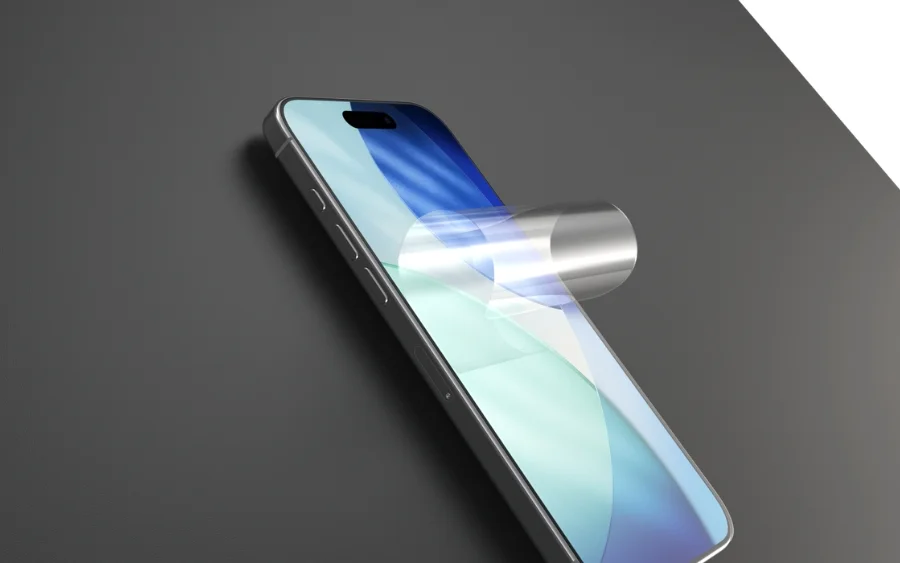
9H Hydrogel Film — Ultra-Resistance Screen Protector
Mobile Accessories Wholesaler — Global B2B
Screen Protection Solutions for Retailers
Hydrogel Film Cutting Plotter — B2B Distributor
LASTEST ARTICLES
- Computer Monitor Privacy Filter
- Best phone case brands for the new iPhone 18
- Why choosing the right phone case for this phone matters
- Screen cracked with screen protector
- Upholding a commitment to quality and fulfilling its mission, Comma cultivates the real economy with craftsmanship.
- Setting Sail Anew in 2026 | DEVIA Enters into a Deep Strategic Partnership with Huawei to Jointly Build a High-Quality
- Top 5 Reasons Why Distributors Are Switching to Automated Film Cutting
- Devia Plotter Ultra Review: Features, Speed, and Business Value
- 9H Hydrogel Film — Ultra-Resistance Screen Protector
- Mobile Accessories Wholesaler — Global B2B
CATEGORIES