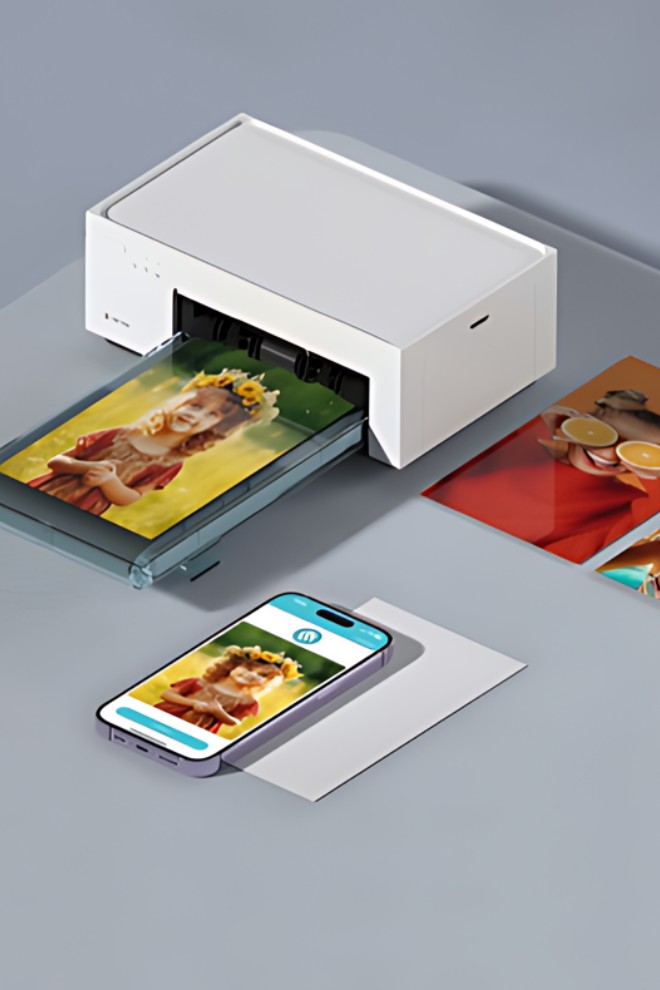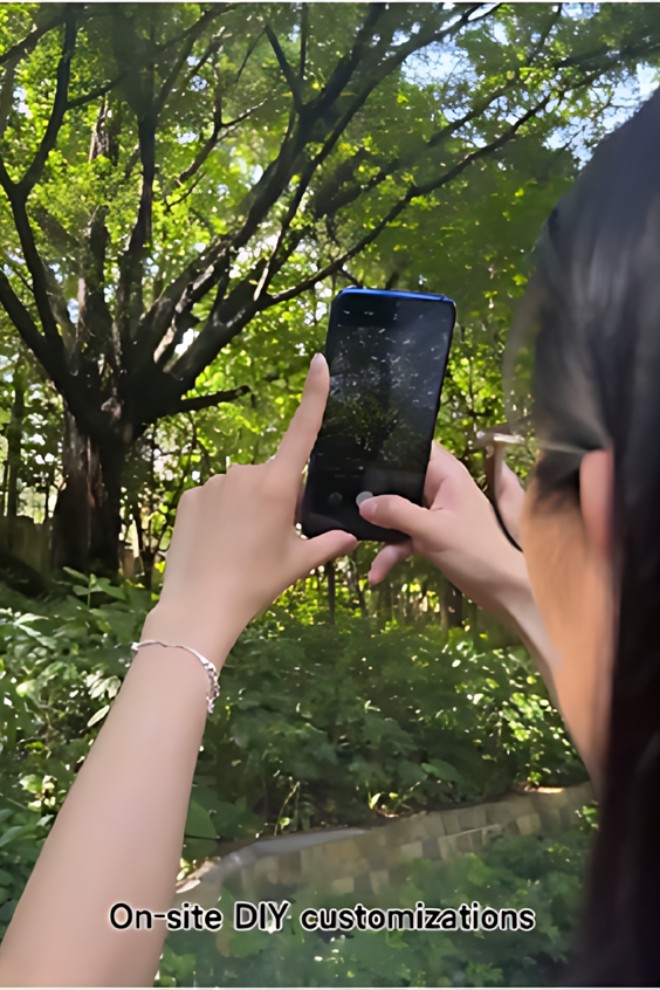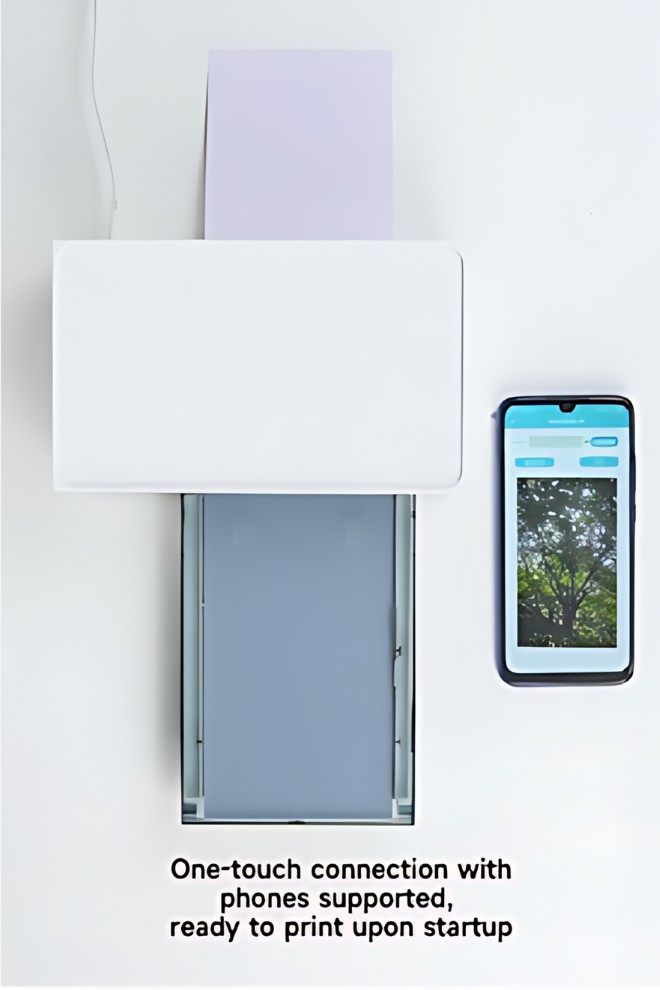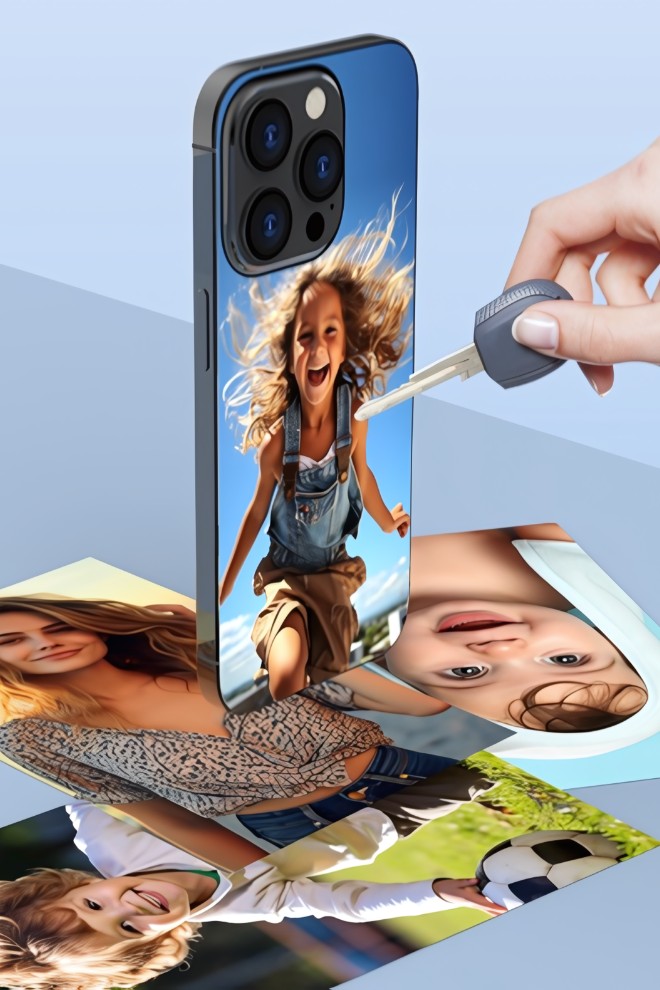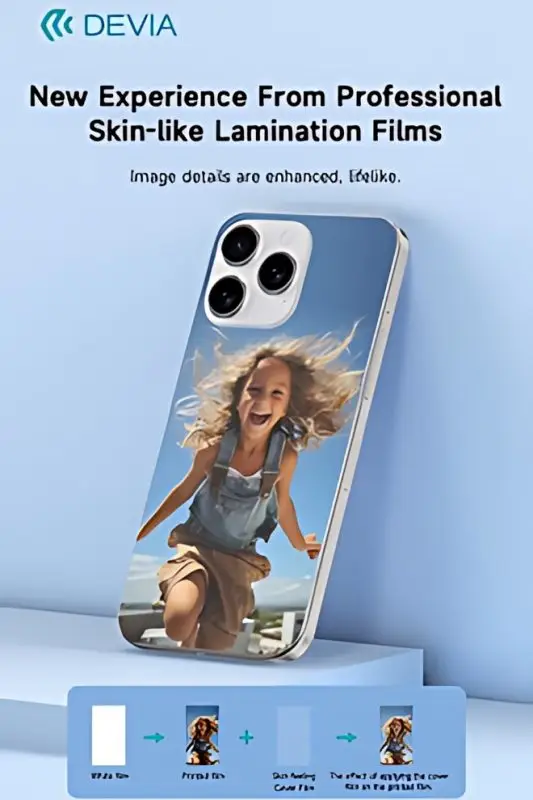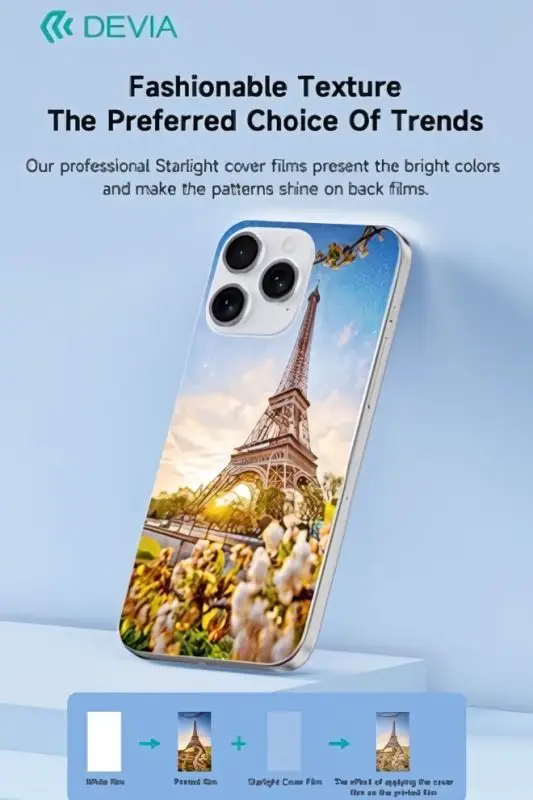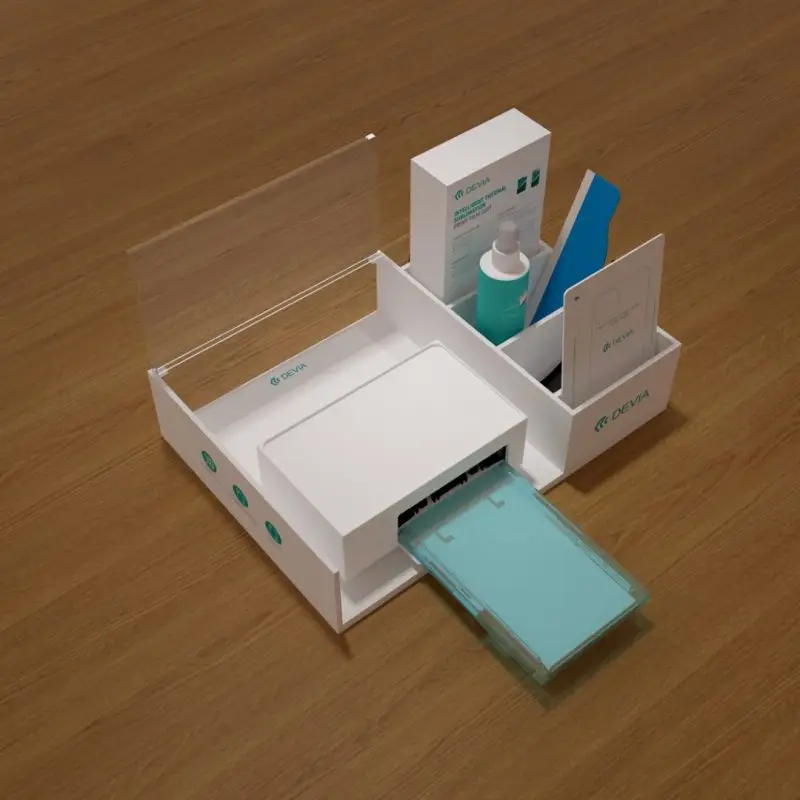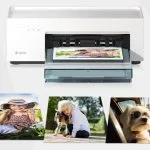
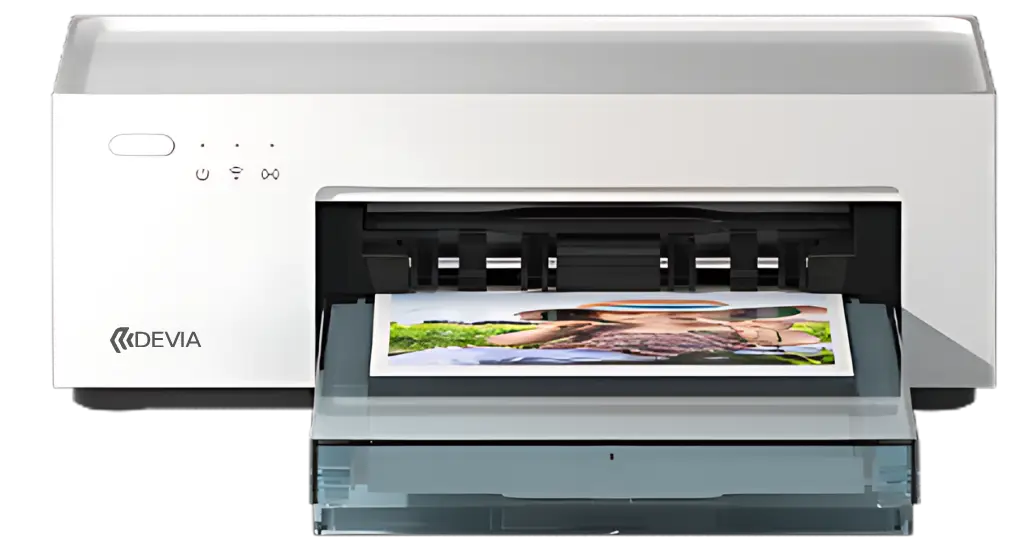
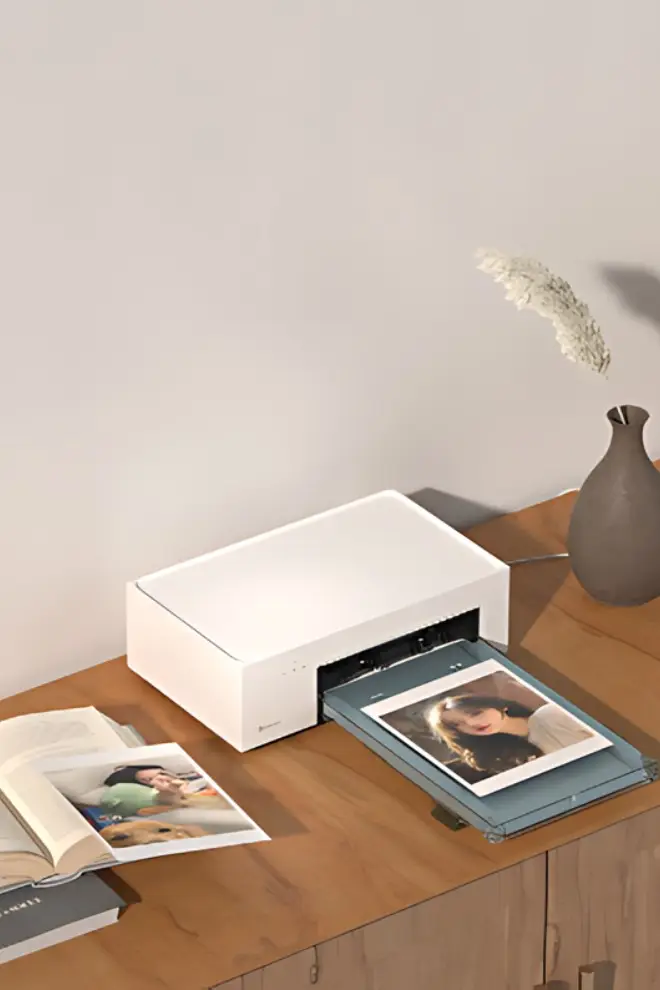
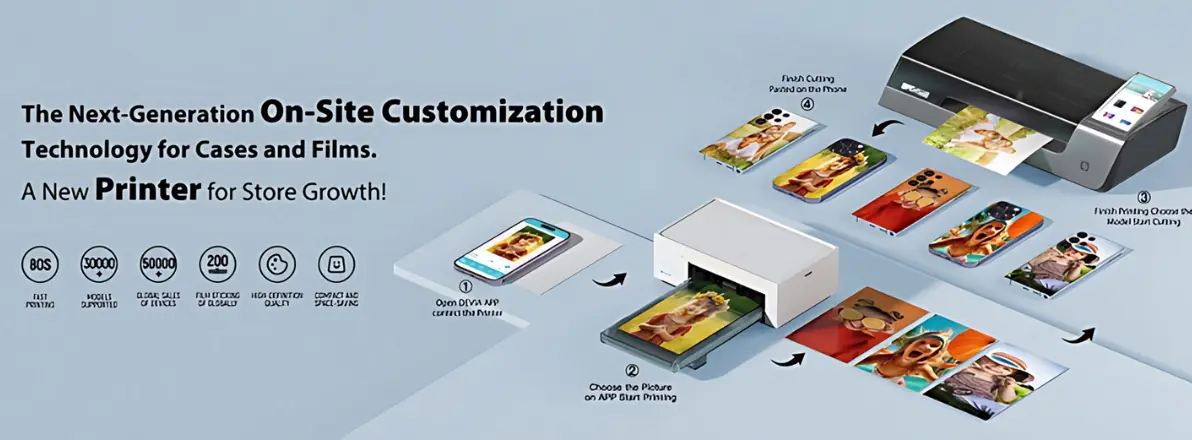
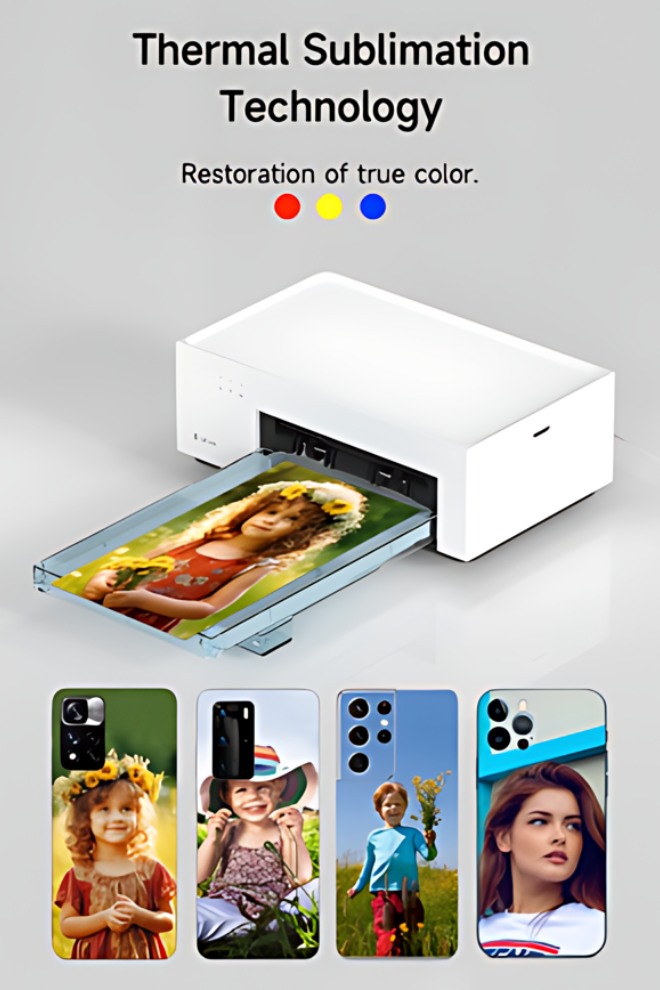
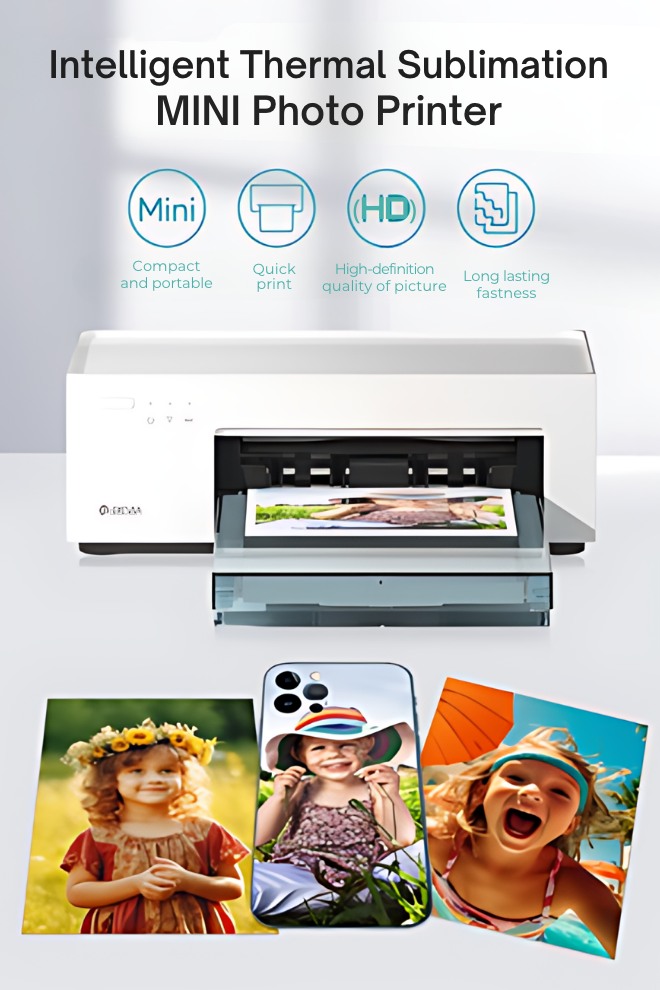
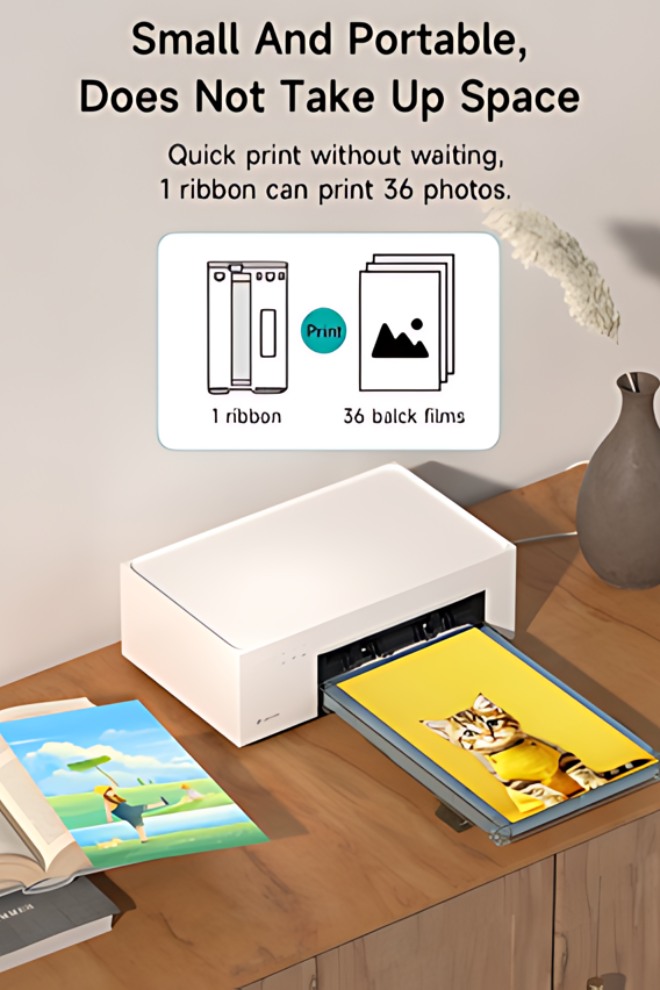
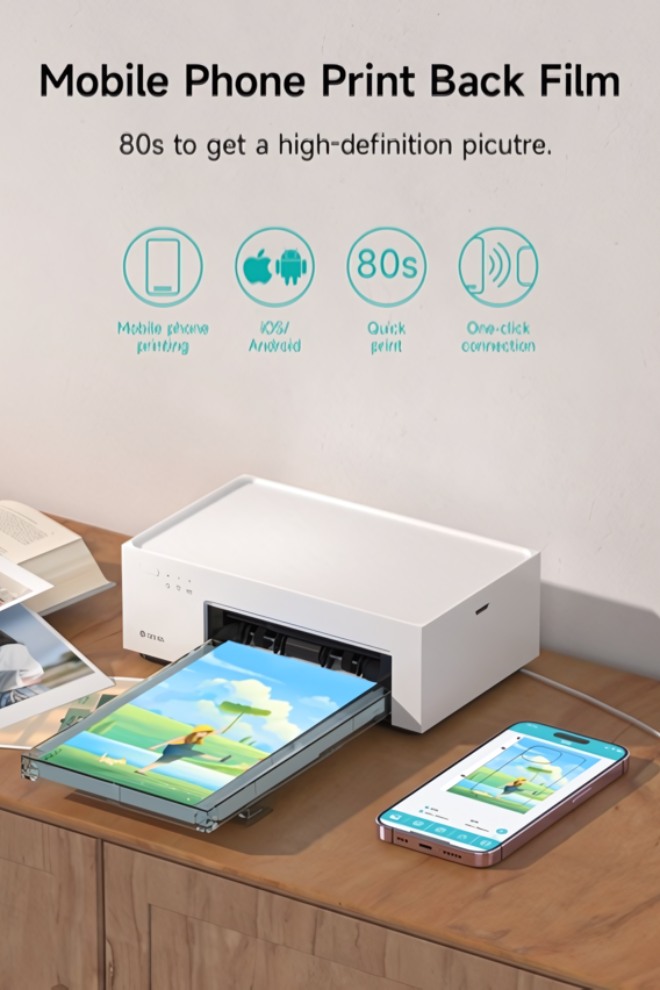
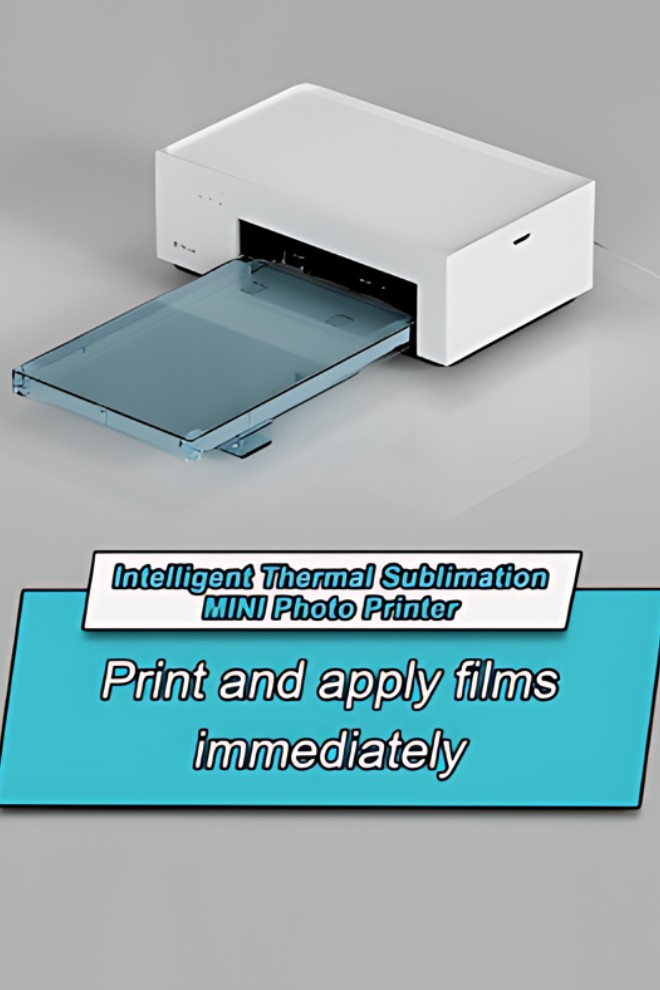
Интеллектуальный мини-фотопринтер с технологией термосублимации

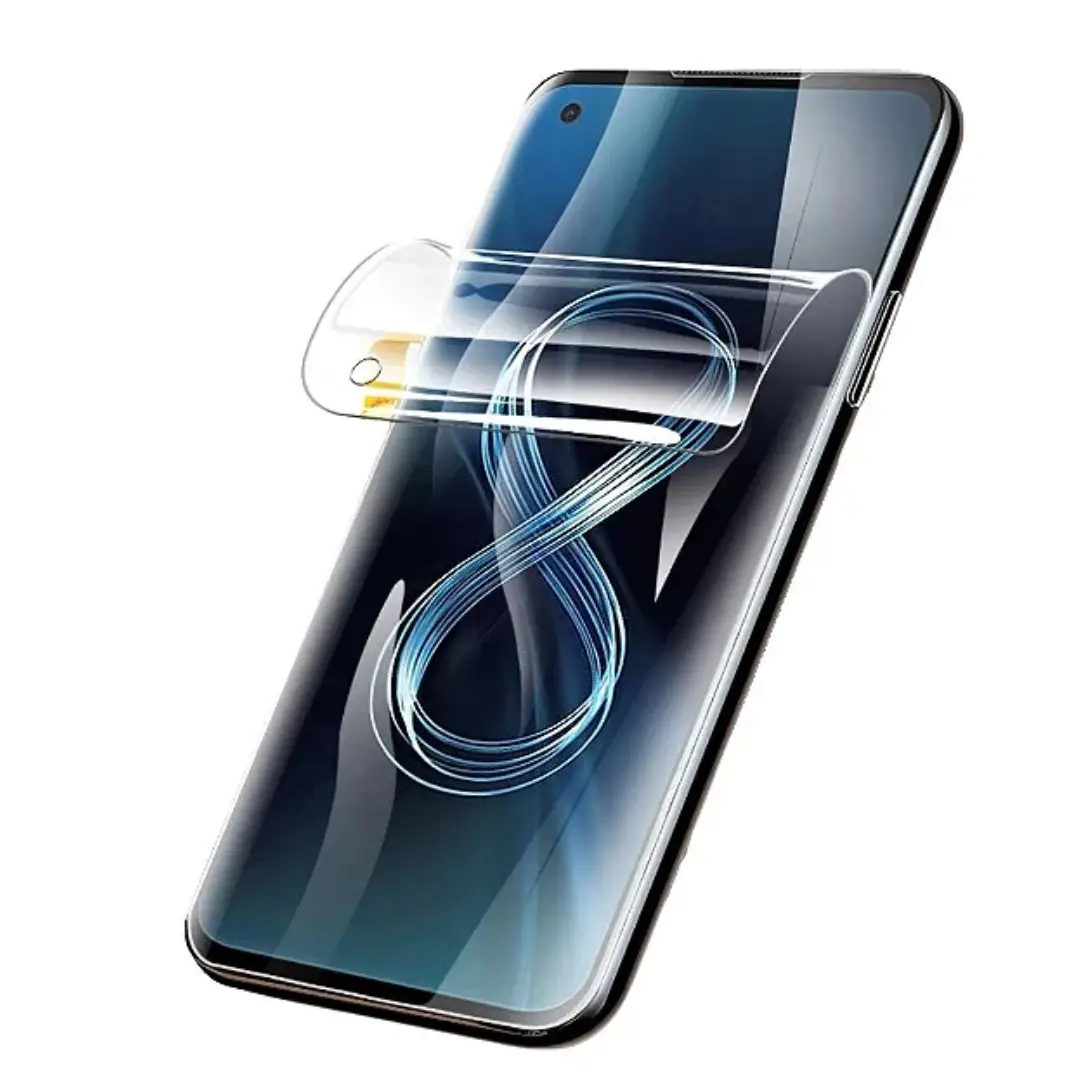
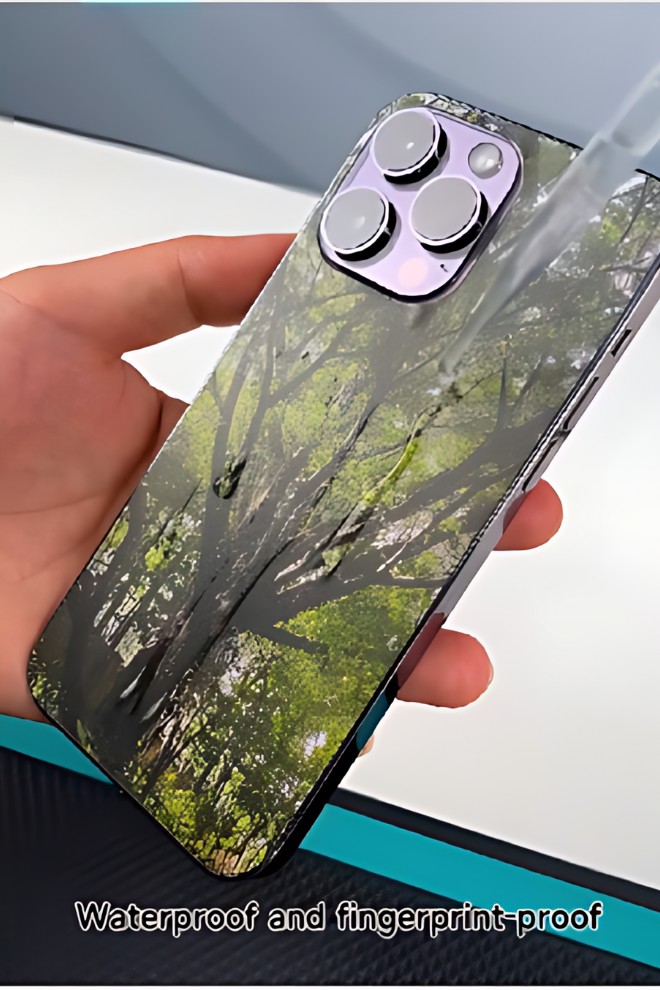
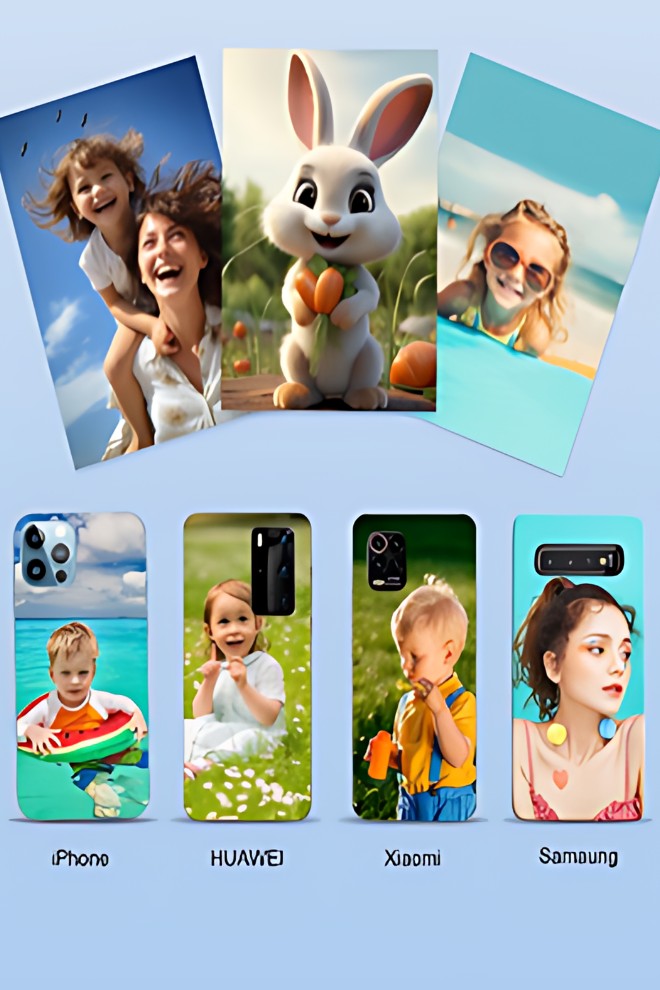
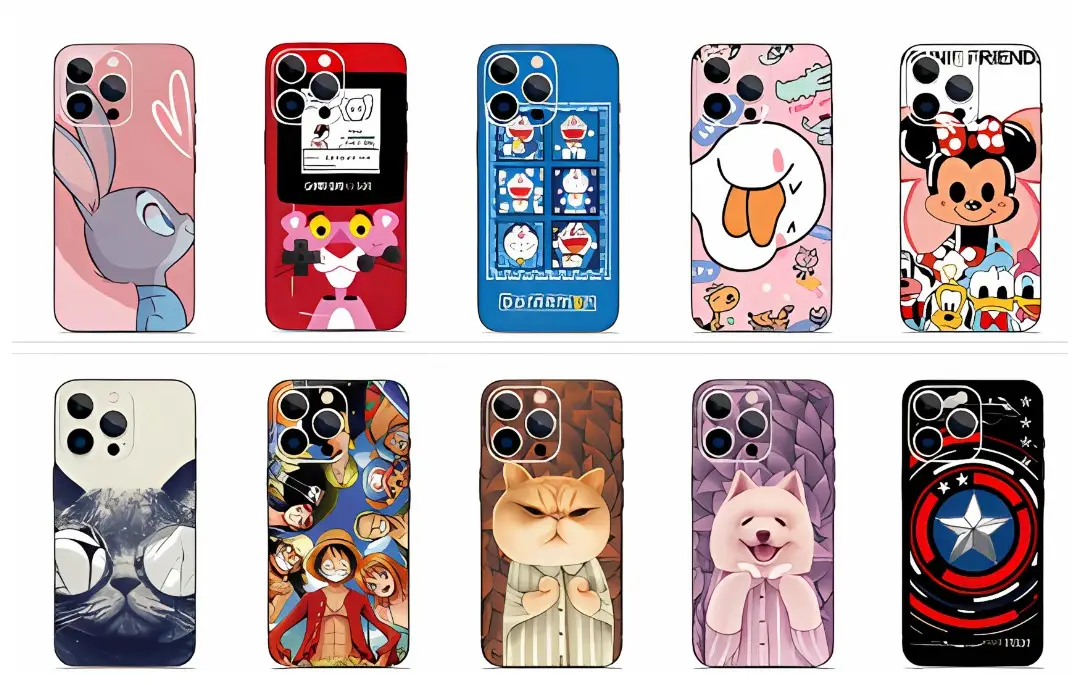
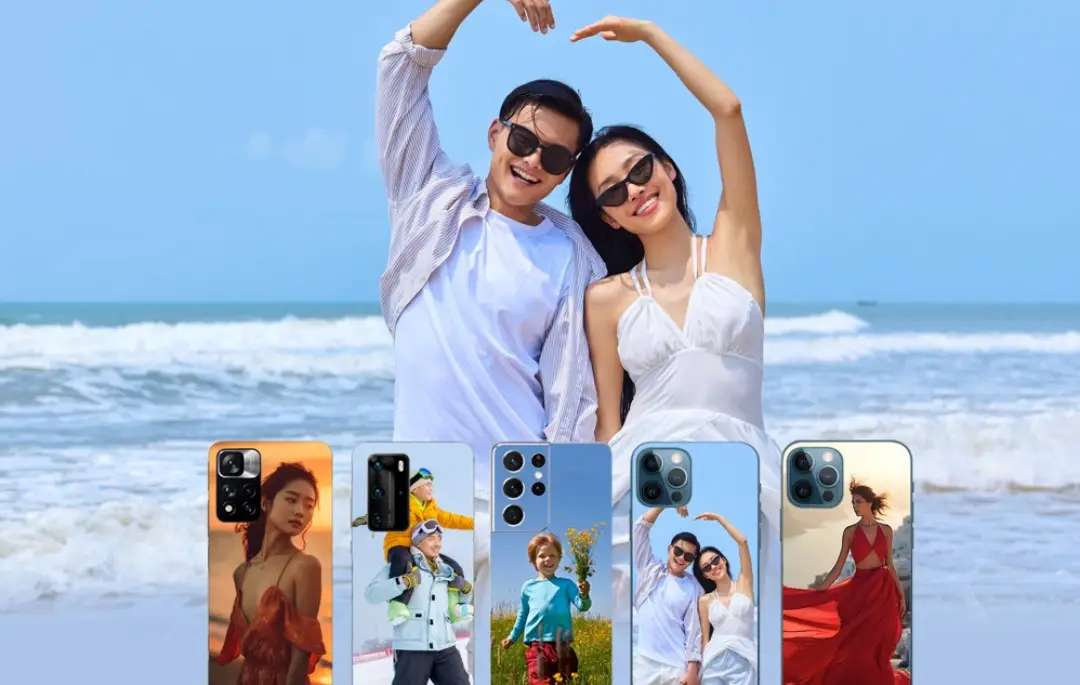
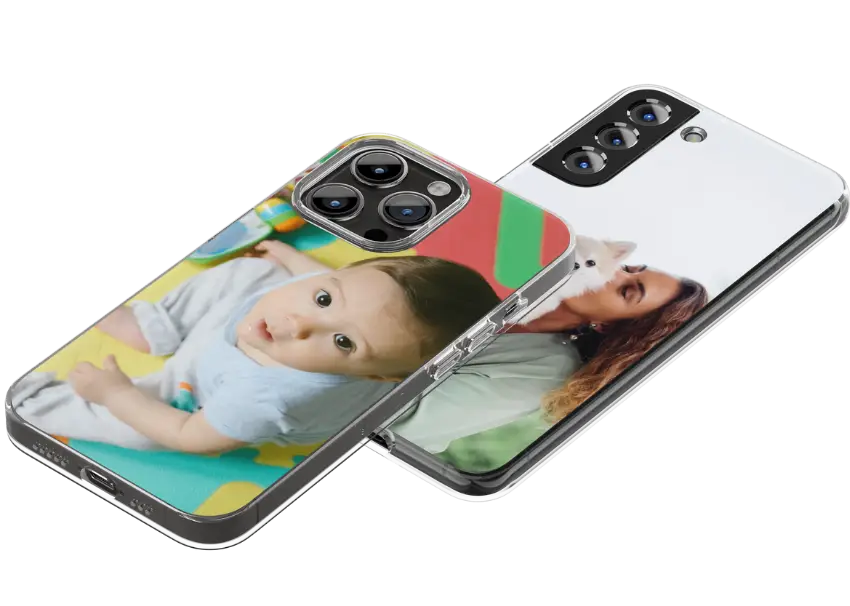
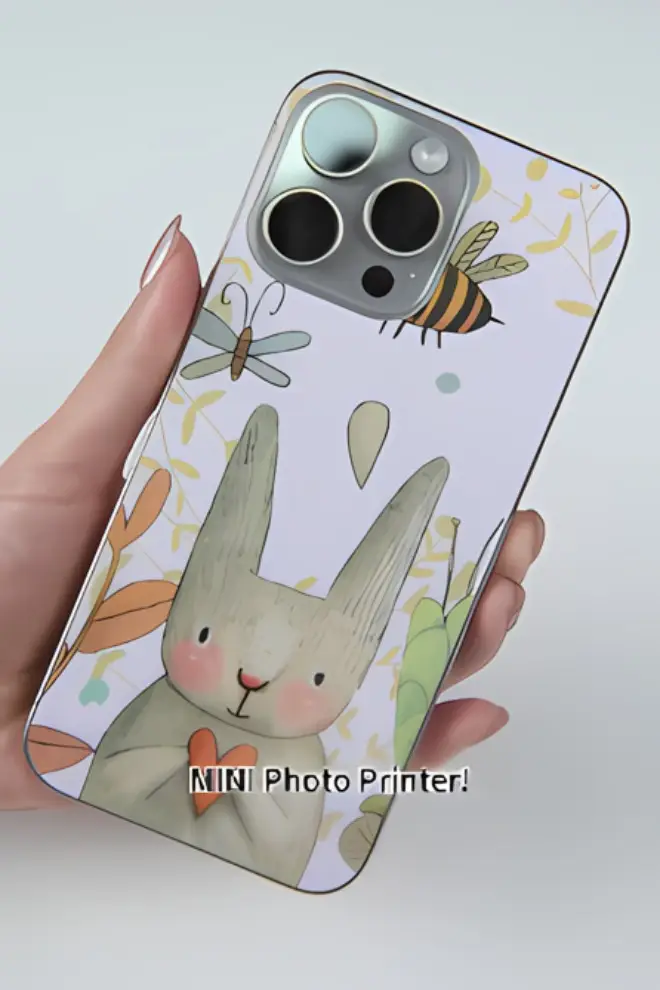
Индивидуальные пленки для задней панели с бесчисленным множеством узоров, отражающих эстетику жизни

mini photo printer devia sublimation.png
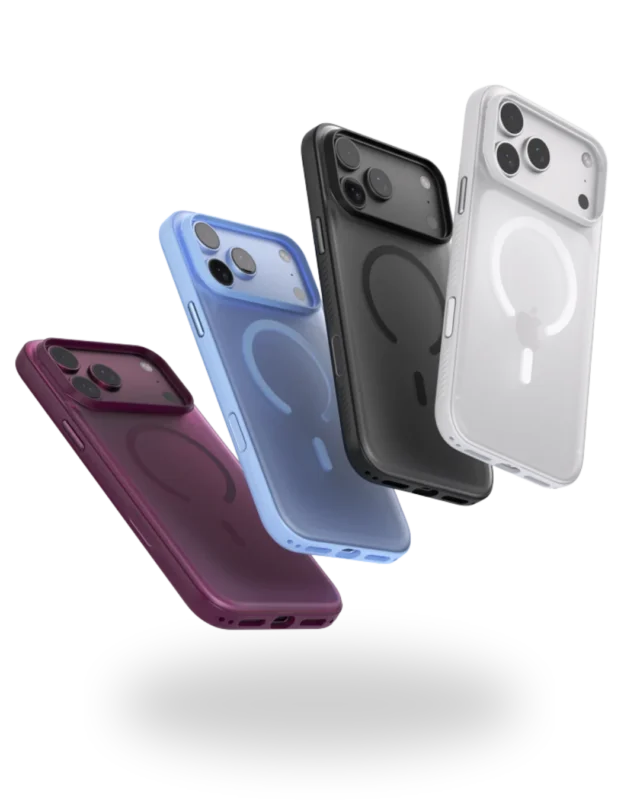
phones2.png

Интеллектуальный мини-фотопринтер с технологией термосублимации

1.

Введение в термосублимационный принтер

2.

Какие проблемы может решить принтер с технологией термической сублимации?

3.

Инструкция по эксплуатации термосублимационного принтера

4.

Комплекты оборудования: резак для пленки, принтер, подложные пленки

5.

Сценарии использования термосублимационного принтера

6.

Материалы для термосублимационного принтера

1.

Что такое термосублимационный принтер?

Любовь в твоих руках Уникальное

"Phone Back Films”

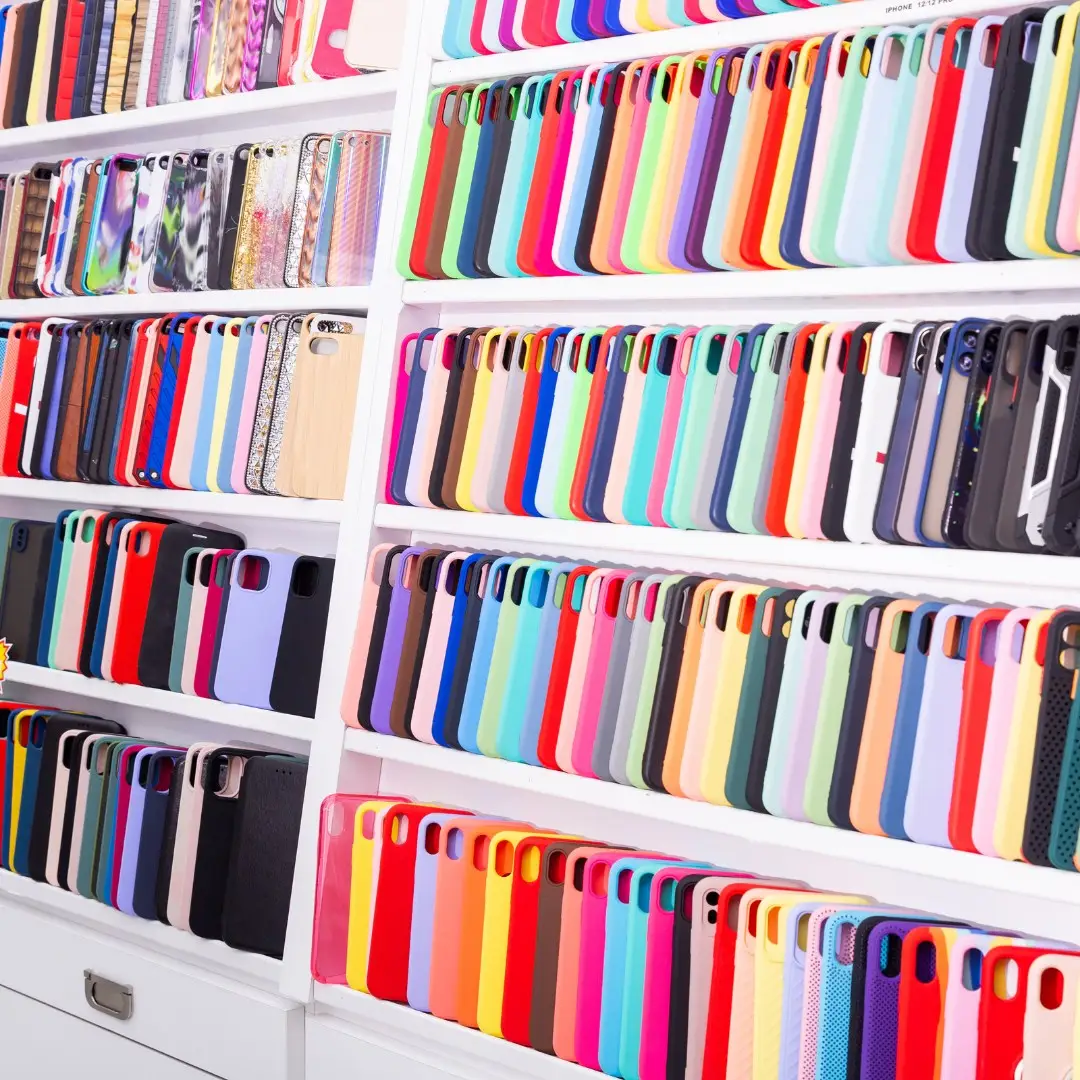
Более 27 000 моделей телефонов

"Индивидуальный”

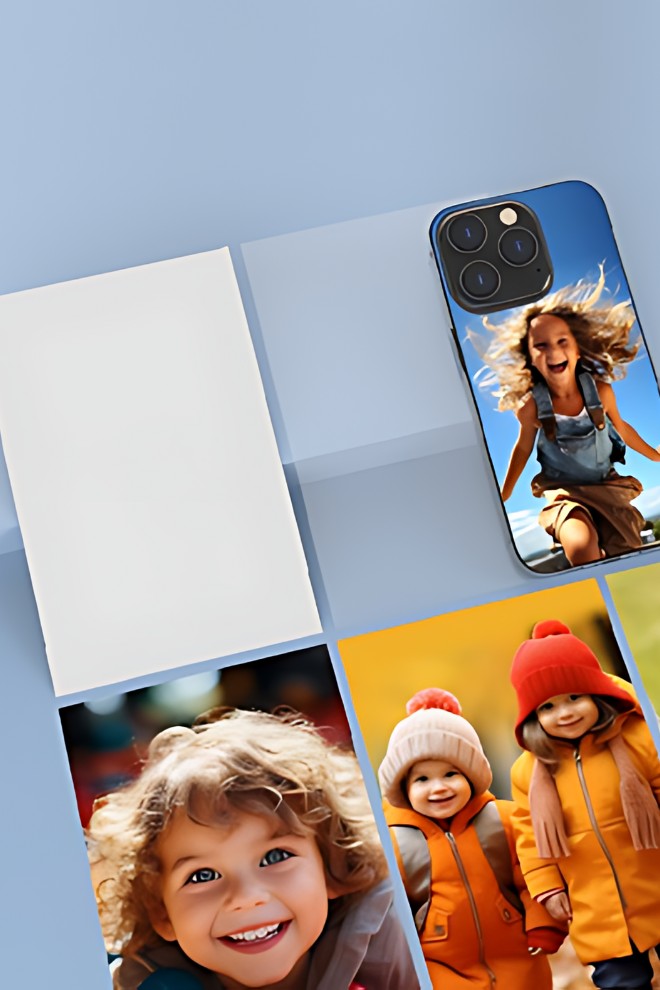
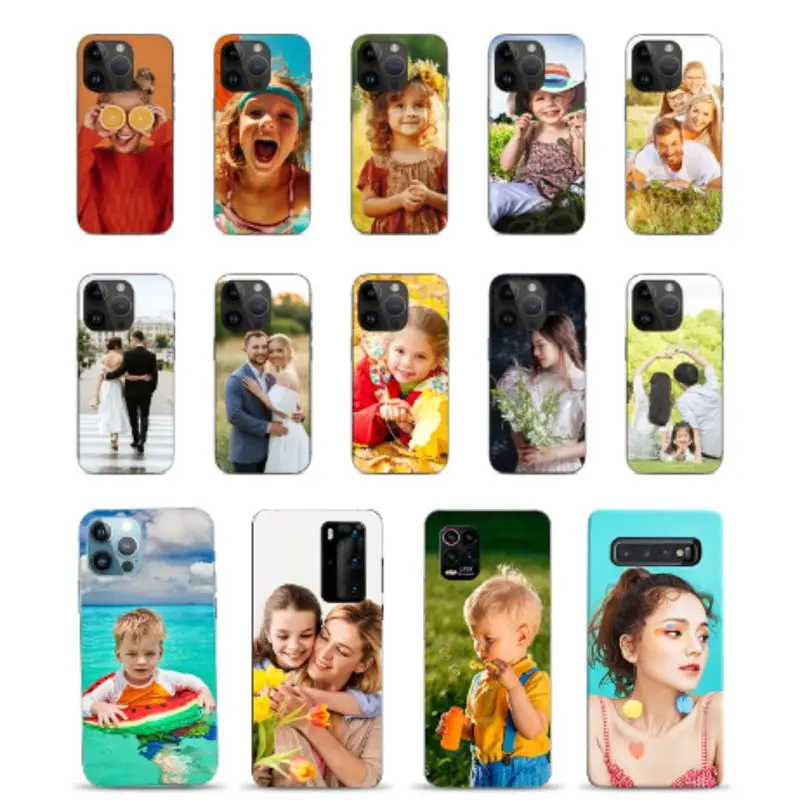
Личные селфи / Семейные фотографии / Фотографии домашних животных / Эксклюзивные материалы, защищенные авторским правом, и т. д.

Быстрая печать в стиле 80-х

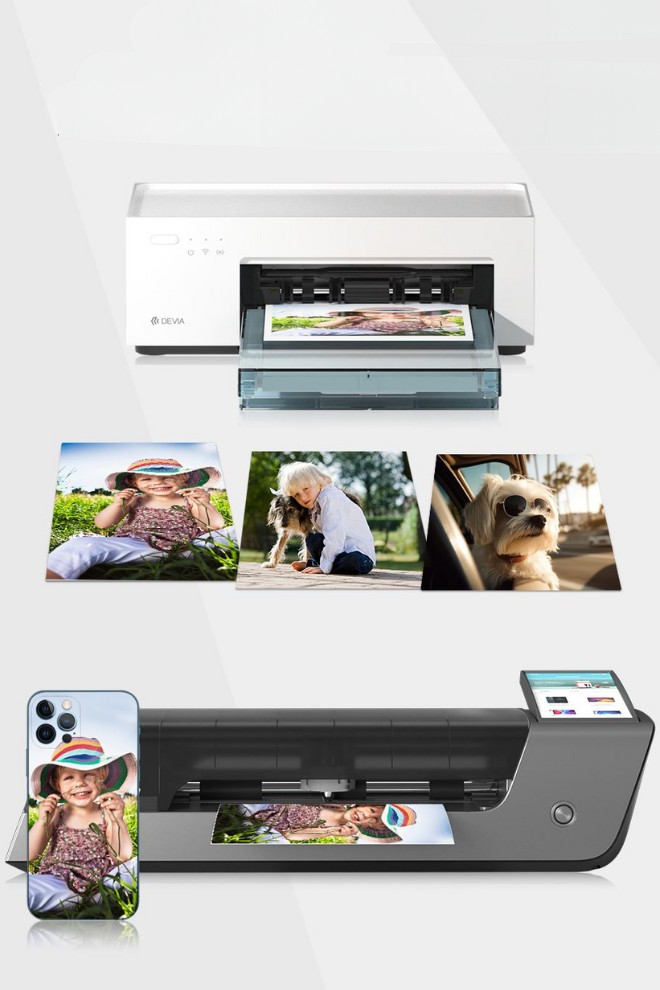
Чтобы использовать его с резаком для плёнки DEVIA, вы можете изготовить его своими руками и создавать индивидуальные задние плёнки.

img mini printer devia bamnner.jpg

Одним щелчком
Подключение через приложение

Системная интеграция для удобного подключения и простого управления на всех этапах процесса

Инновационная коробка для бумаги с магнитным креплением

Удобное хранение и экономия места

Заметно четкое изображение высокой четкости

Благодаря нашей профессиональной технологии термосублимационной печати каждый напечатанный цветовой пиксель способен отображать 256 оттенков серого, что позволяет добиться плавных и нежных фотоцветов.

2.

Какие проблемы может решить принтер с технологией термической сублимации?

Преимущества продукта

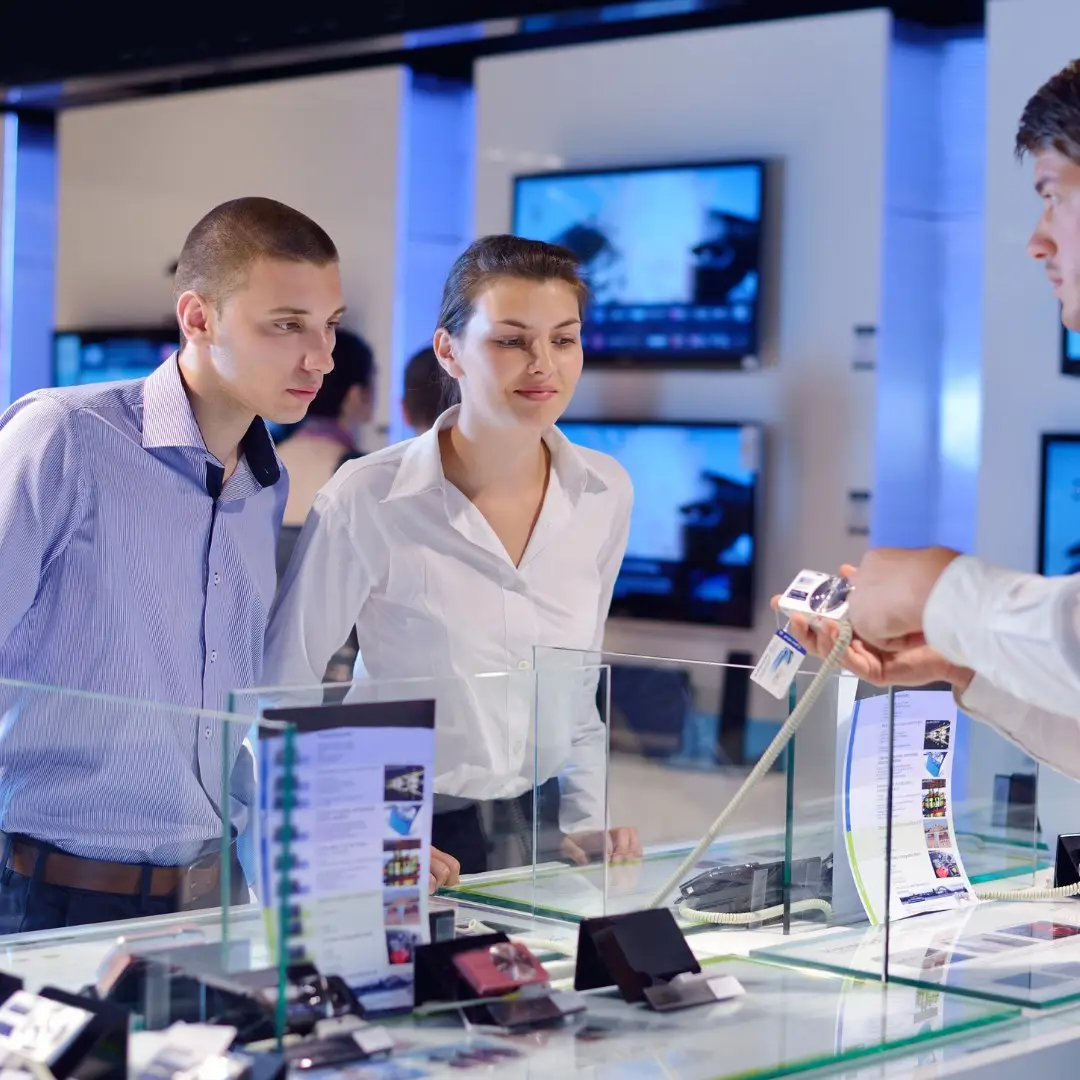
Решение трёх основных проблем традиционных магазинов

glasses num 1.png

Подобные ситуации наблюдаются в тысячах магазинов

glasses num 2.png

Низкая посещаемость

glasses num 3.png

Отсутствие разграничений

Индивидуальная настройка открывает новые возможности в сфере розничной торговли

img mini printer11.jpg

Нет в наличии

img mini printer12.jpg

Перечень осветительных приборов

img mini printer13.jpg

Нулевые потери

Индивидуальные задние пленки

  1. Индивидуальная персонализация милых детских фотографий, семейных снимков, воспоминаний о путешествиях, фотографий домашних питомцев и т. д.
  2. Решение “цветная пленка + прозрачный чехол” удовлетворяет спрос потребителей на дизайнерские защитные чехлы и решает проблему застоя запасов и низких продаж чехлов для телефонов в магазинах.

Решить проблемы с запасами

Однократная покупка с пожизненными преимуществами

Не стоит запасаться в избытке

mini photo printer devia sublimation.png

Акции в магазине и популярные товары

  1. Дифференциация продукции в целях конкуренции
  2. Интеграция с программой лояльности магазина для проведения рекламных акций и использования бонусов

Компактный

Компактный, эстетичный и практичный

3.

Инструкция по эксплуатации термосублимационного принтера

img mini printer14.jpg

Инструкция по эксплуатации интеллектуального мини-принтера для термосублимационной печати

01. Подключите источник питания

02. Откройте правую крышку принтера, вставьте ленту в принтер и закройте крышку.

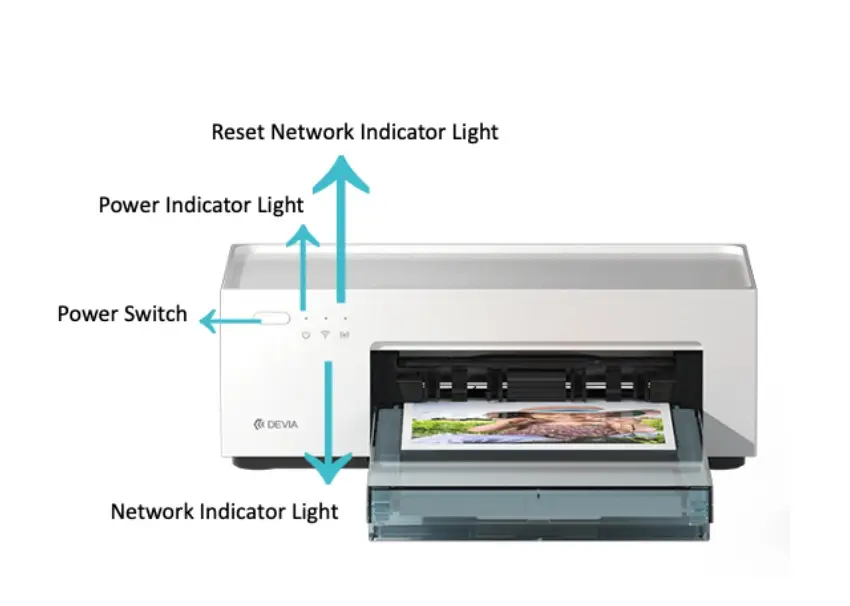
03. Нажмите и удерживайте кнопку включения в течение 3 секунд, чтобы включить устройство. В течение 15 секунд устройство выполнит самодиагностику.

04. После завершения самопроверки перейдите к следующему шагу.

05. Снимите лоток для фотобумаги, расположенный в верхней части аппарата, и поместите пленку внутрь

06. Откройте переднюю крышку устройства, вытащите поврежденную сторону коробки с фотобумагой,

flip it under the box and insert the head of the box into the front of the machine.

07. Use a mobile phone to open the DEVIA App, select a model of back film, click "Print," choose “DEVIA printing”in the upper right corner, and select a photo in the lower left corner.

08. After selecting the photo, click "Print." It will then prompt to connect to the network and configure the network.

09. After connecting to the network, click "Search for Devices." It will rotate for about 10 seconds for the first time and then click again to search for the device.

10. Click "Print," and the machine will automatically print. It takes about 80 seconds to complete the printing.

11. After printing, laminate the film.

12. Cut it on the cutting board.

13. Apply the film.

14. After use, please close the photo paper box of the printer and return it to the top of the machine. Also, close the front paper inlet of the machine at the same time.

4.

Product Combinations: (Film Cutter, Printer, Back Films)

Product Set

mini photo printer devia sublimation

Intelligent Thermal Sublimation Photo Printer

Быстрая печать в стиле 80-х

Чтобы использовать его с резаком для плёнки DEVIA, вы можете изготовить его своими руками и создавать индивидуальные задние плёнки.  
High-definition printing without fading

2 7

Интеллектуальный плоттер для резки кинопленки DEVIA со встроенной камерой.

Easy operations, on-site customizations and cutting according to your needs. Quick, accurate, and powerful database with real-time updates

Product information never outdated

3 5

Back Films

Delicate, smooth, waterproof, and dustproof. Wear-resistant, scratch-resistant, environmentally friendly, and odorless

Change Back Films as You Please!
img mini printer15

Personal selfies and cute baby photos
Couple and family photos
Cute pet photos and IP customization, etc.

img mini printer16.jpg
photoprinter01

Intelligent Thermal Sublimation Skin Feeling Cover Film (50PCS )

photoprinter2

Intelligent Thermal Sublimation
Starlight Cover Film (50PCS)

photoprinter3

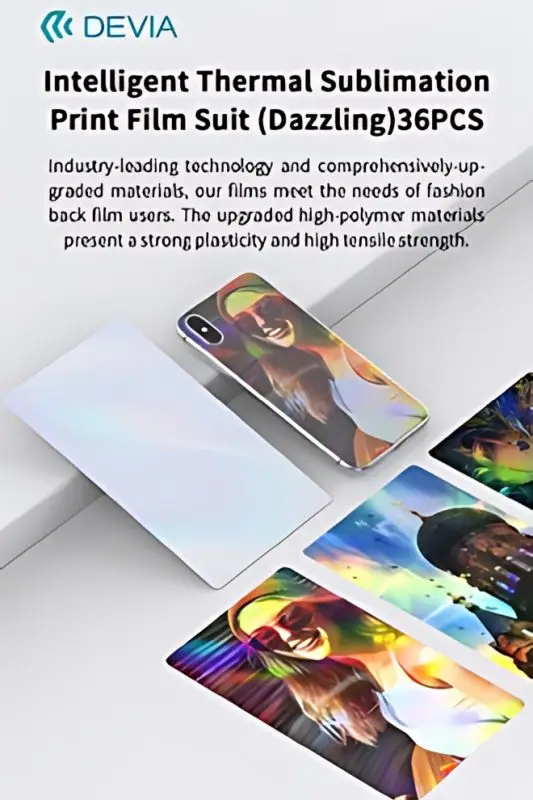
Intelligent Thermal Sublimation Print Film Suit (dazzling) 36PCS

Three effects, three choices

5.

Thermal Sublimation Printer Usage Scenarios

Сценарии использования термосублимационного принтера

Channels

Benefits

Display location

Telecom chain stores

Increase sales revenue from accessories and other related products, attract customers, reduce inventory and loss rates, and enhance brand value

Display at the accessory area experience counter, after-sales service area,waiting/rest area, and cashier counter

Fashion lifestyle stores

Increase sales revenue from accessories and other related products, attract customers, reduce inventory and loss rates, and enhance brand value

Display at the accessory area experience counter, after-sales service area,waiting/rest area, and cashier counter

Telecom Carriers

Increase sales revenue from accessories and other related products and further expand service offerings

Display at the accessory area experience counter, after-sales service area,waiting/rest area, and cashier counter

Comprehensive Shopping Malls

Increase sales revenue from accessories and other related products, attract customers, and reduce inventory and loss rates

Display at the accessory area experience counter, after-sales service area,waiting/rest area, and cashier counter

After-sales Repair Shops

Increase accessory income besides repairs, and apply phone protection films to prevent scratches, etc.

Cashier counter, activity area, service area

Cross-boundary integrations

Tourist Attractions, Cultural and Creative Stores, Tourist Street Areas

Combine creative products with the characteristics of tourist areas for experiential sales.

Cashier counter, activity area, service area

Cross-boundary integrations

Photo Studios

In addition to traditional photo frame and album services, phone back film services can be provided to increase package attractiveness or additional revenue streams.

Cashier counter, activity area, service area

Cross-boundary integrations

Clothing Stores

Membership activities such as point redemption, etc.

Cashier counter, activity area, service area

Cross-boundary integrations

Entrepreneurship Projects for College Students

College campus phone repair shop projects or entrepreneurship projects by college students, street vendor economy, etc.

How to Become a Distributor of Mobile Accessories

Film applications at phone shops

Free printed back film as a gift To Use Together with DEVIA intelligent Film Cutter A tool for empowering new retail in communications and attracting customers Change Back Films As You Please! Keep your phone constantly fresh
After-sales Repair Shops

While waiting for digital device repairs, free DIY pattern phone back films can be

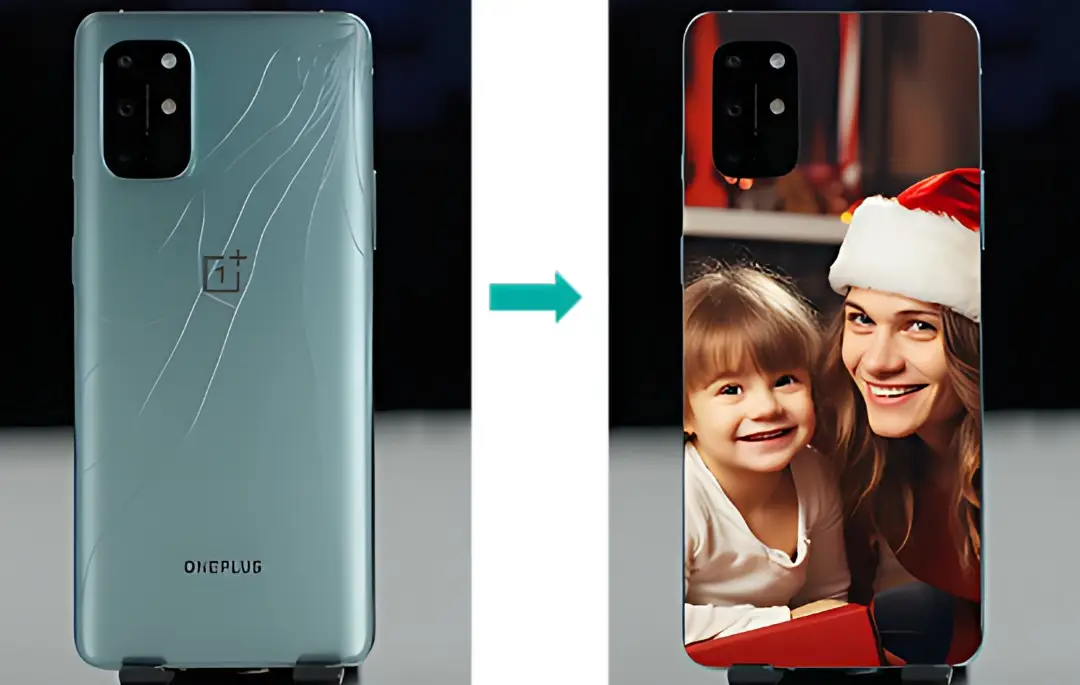
You can even apply it to a cracked screen!

img mini printer18.jpg

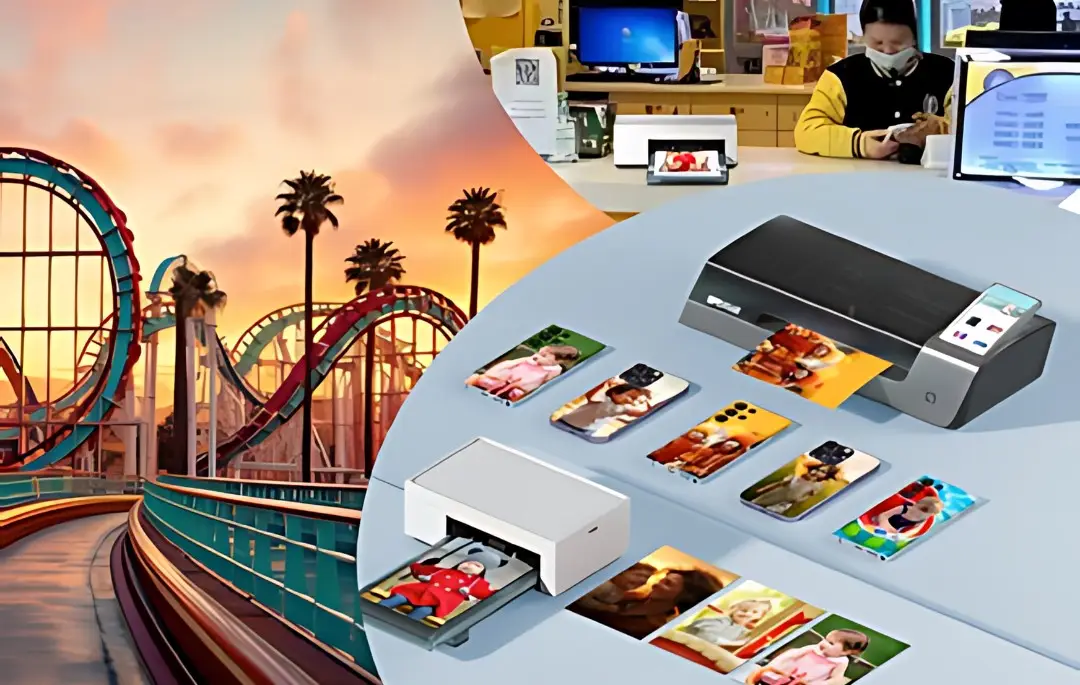
Amusement parks

Every moment is worth capturing!

(Printer can be placed at the ticket office.)

Capture and directly print exciting moments and beautiful memories

img mini printer19.jpg
img mini printer20.jpg

Street vendor economy

The era of DIY back films

While others are still worried about the delivery time of back films, we can print and apply them instantly in 80s!

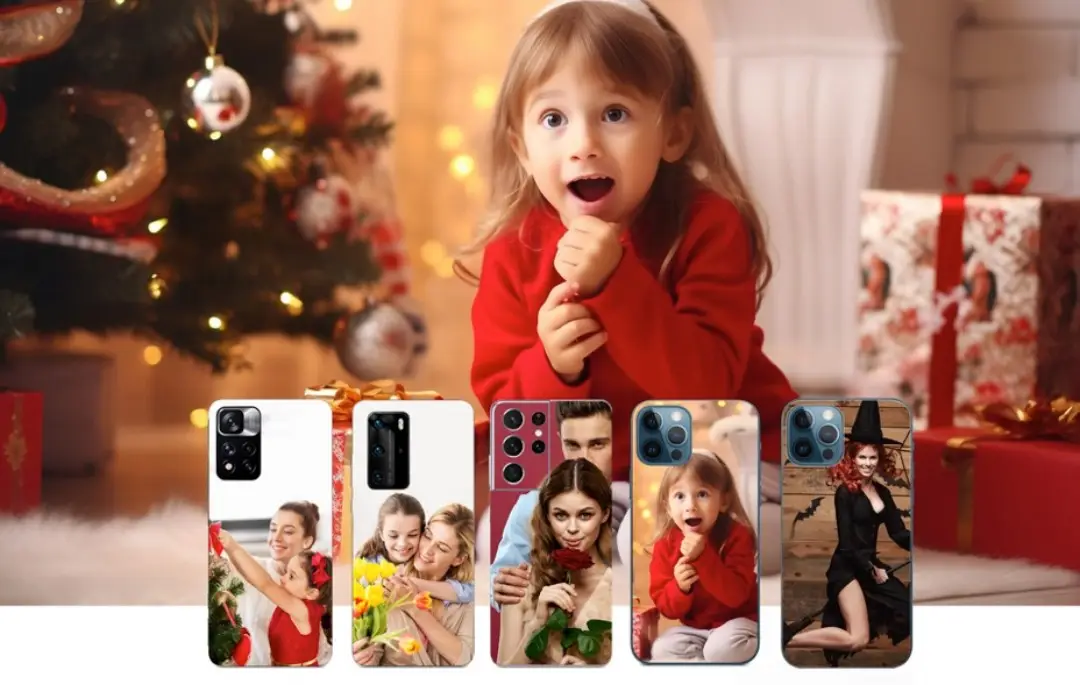
Festive Styles

Capture every dynamic moment!

img mini printer21.jpg
img mini printer22.jpg

Personal Travels

Convenient photo printing to capture every moment of life!
A private photo gallery of your own!
6.

Thermal Sublimation Printer Materials

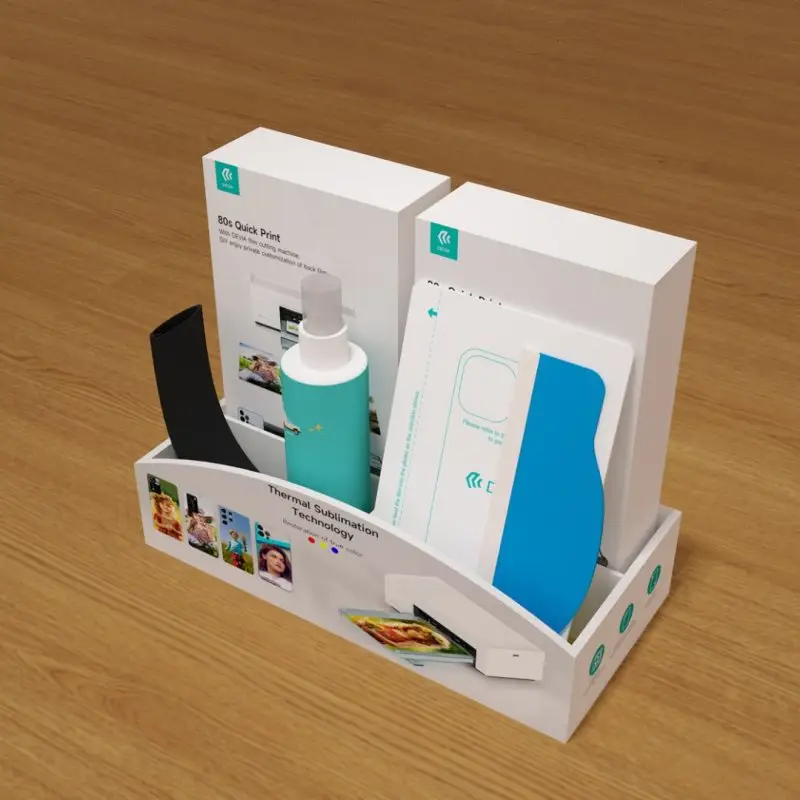
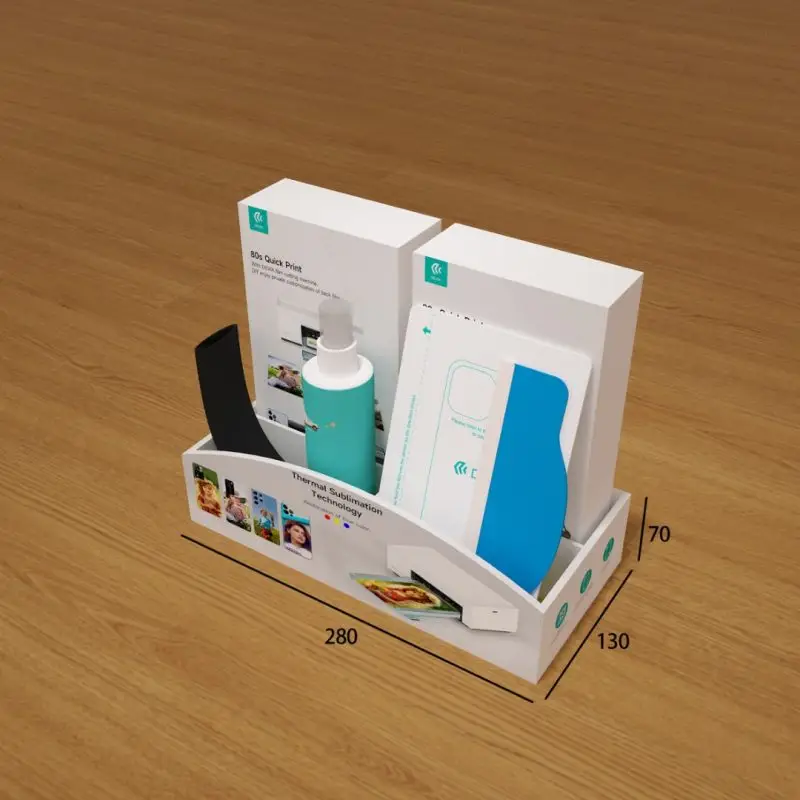
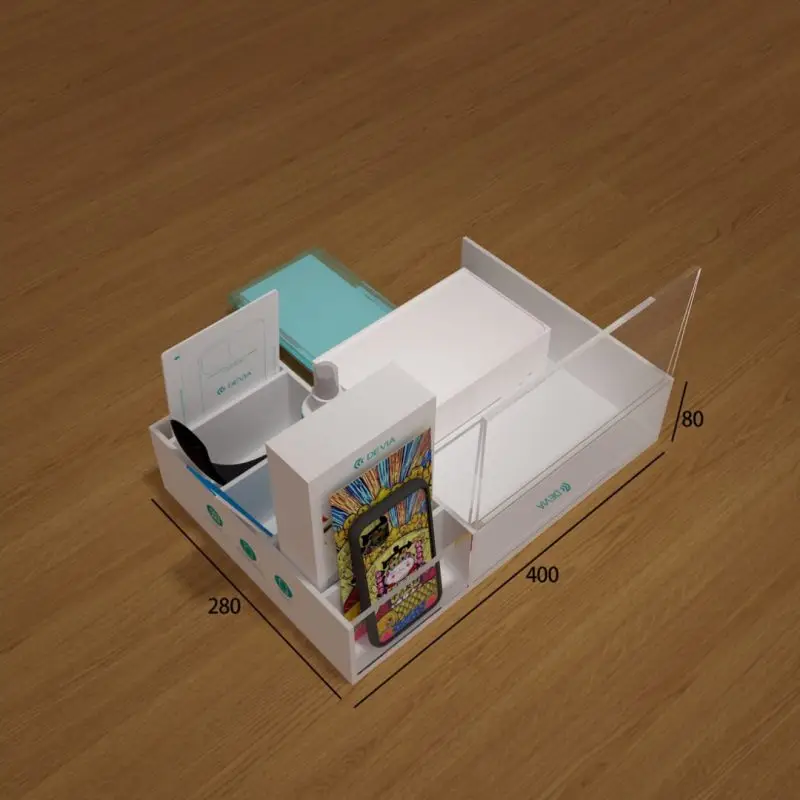
Printer display box + film application effect display rack

Machine, white film, laminating film, cushion board, scraper)

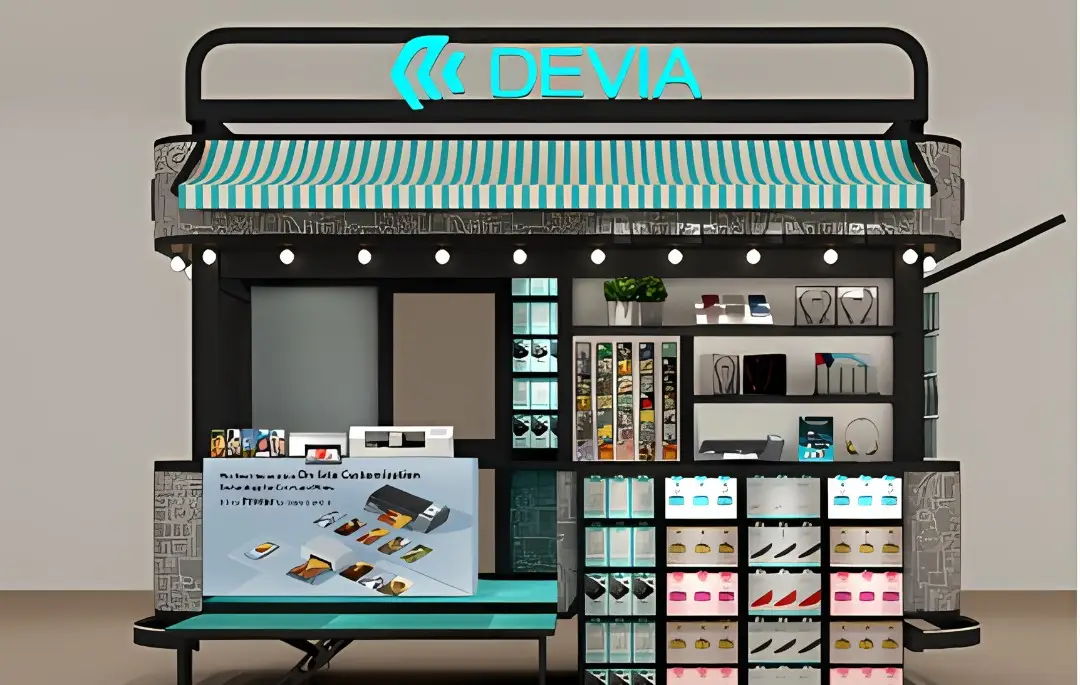
Printer special display table/cabinet

1. Printer storage box, white film, laminating film, cushion board, scraper

img mini printer23
img mini printer24

2. Printer display box + film application effect display rack Machine, white film, laminating film, cushion board, scraper

img mini printer25
img mini printer26

Связаться с нами

Ответственный за файл: S&T GROUP(HK) LIMITED. Цель: оказание помощи, разрешение вопросов и предоставление информации. Основание для обработки: согласие. Получатели: данные не будут передаваться третьим лицам. Права: доступ, исправление и удаление данных, а также другие права, как указано в дополнительной информации. Дополнительную и подробную информацию можно найти в нашем Политика конфиденциальности.

Our Address

S&T GROUP(HK) LIMITED

Unit1808-1809,18Floor,Building B,Hui Hai Plaza, Chuangye Road,Long Hua New District,Shenzhen,China.

Электронная почта:  info@mydevia.com
Phone: +86 13580989251